

Entertainment


by
William D’Angelo
, posted 9 hours ago / 879 Views
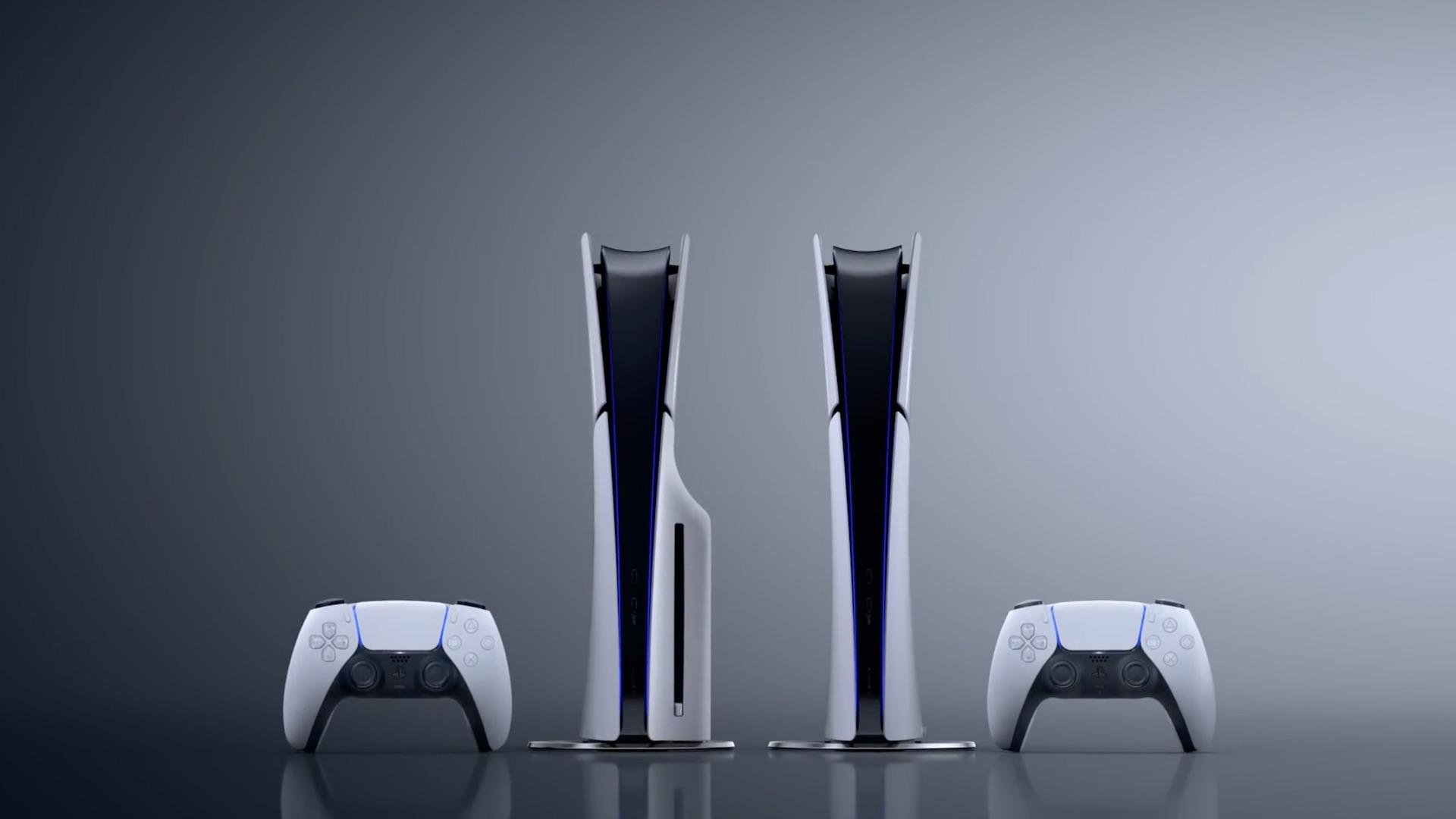
Sony Interactive Entertainment have announced the next PlayStation 5 system update will launch tomorrow, September 17.
The system software update adds DualSense wireless controller pairing across multiple devices and the new Power Saver option.
Read details below:
Entertainment Pairing a DualSense wireless controller across multiple devices
Until now, pairing was required each time you connected a DualSense or DualSense Edge wireless controller to a different device such as PC, Mac, and mobile devices.
With this update, you can now register up to four devices simultaneously, and easily switch between them directly from your controller. For example, you can take your controller which you use with your PS5, then seamlessly switch connection to a PC to play PC games, or connect it to a smartphone to enjoy Remote Play from your PS5. With this enhanced flexibility, you can enjoy gaming more freely across multiple devices.
How to pair your controller to multiple devices
By pressing a combination of the PS button and one of the action buttons (triangle button/circle button/cross button/square button), you can assign a device to your desired slot.
If a USB cable is connected to your controller, disconnect it before pairing.
- Make sure the light bar and player indicator on your controller is off. If they’re turned on, press and hold the PS button until they turn off.
- Press and hold one of the action buttons (triangle, circle, cross, or square) and the PS button for over 5 seconds. The light bar and player indicator flash two times.
- Turn on Bluetooth® on your device, and select the option to add Bluetooth® devices. Your device detects nearby Bluetooth® devices.
- Select your controller from the detected devices. The light bar lights up, and the player indicator’s lights blink according to the slot number.
How to switch devices
Once the device is registered on your controller, you can switch between devices by pressing the PS button and the action buttons (triangle, circle, cross, or square) corresponding to a slot. You can do this when the controller is turned on or off.
- Turn on the device you want to connect to.
- Press and hold one of the action buttons and the PS button for about 3 seconds. When the light bar and player indicator blink, release both buttons. The light bar lights up, and the player indicator’s lights blink according to the slot number.
| Slot number | Button used | Player indicator lights | Connected Device (Example)* |
| Slot 1 | PS button and Triangle button | One light on | PS5 |
| Slot 2 | PS button and Circle button | Two lights on | PS5 Pro |
| Slot 3 | PS button and Cross button | Three lights on | Windows PC |
| Slot 4 | PS button and Square button | Four lights on | iPhone |
*Example of devices that can be connected to each slot. See here for the list of devices and OS versions that support Bluetooth® connections with DualSense wireless controller and DualSense Edge wireless controller.
Entertainment On the horizon: Power Saver for Games
At SIE, we are committed to Sony’s ‘Road to Zero’ environmental plan, launched in 2010, which includes achieving net-zero greenhouse gas (GHG) emissions by 2040**. We are always exploring how we can contribute to these goals through our products and services.
With this update, you may notice a new option in your settings menu called Power Saver. When you turn on this option, supported PS5 games will scale back performance*** and will allow your PS5 to reduce its power consumption. If not enabled, or if games do not support the feature, the performance will not be scaled back and power consumption will not be reduced.
Future updates for games such as Death Stranding 2: On The Beach, Demon’s Souls, and Ghost of Yōtei will include support for the Power Saver option with more titles to follow. Visit the support page to learn more about Power Saver.
A life-long and avid gamer, William D’Angelo was first introduced to VGChartz in 2007. After years of supporting the site, he was brought on in 2010 as a junior analyst, working his way up to lead analyst in 2012 and taking over the hardware estimates in 2017. He has expanded his involvement in the gaming community by producing content on his own YouTube channel and Twitch channel. You can follow the author on Bluesky.
Entertainment More Articles
Read More
William D’Angelo