

Roman Vyshnikov/Shutterstock
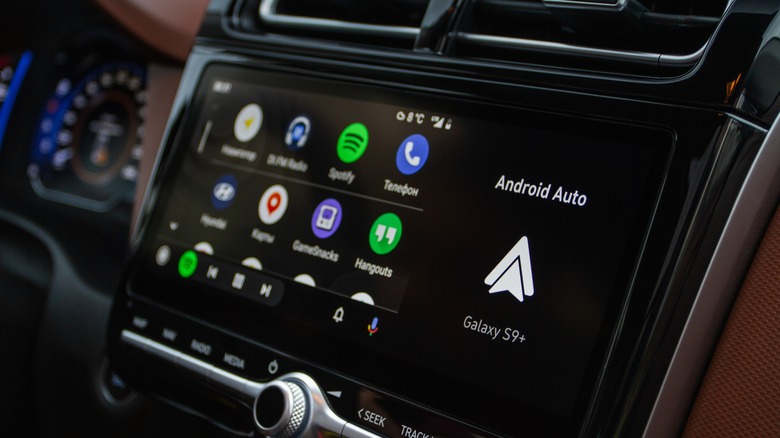
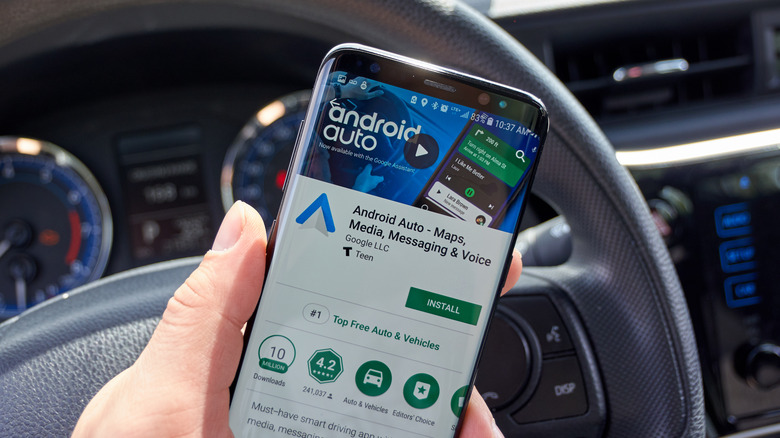
Android Auto is a wonderfully convenient means of connecting your Android smartphone or tablet to your car. Instead of having to mess with individual connections and permissions, it gives you quick access to all of your vital apps and services right on your car display, from talk-to-text to navigation to your music library. Of course, all of those lovely conveniences are contingent on Android Auto actually working properly.
Sometimes, for one reason or another, the Android Auto app absolutely refuses to connect to your car, either when you first start it or while you’re in the middle of a trip. It’s incredibly annoying to have your music cut out during a long car trip, and potentially dangerous to lose your navigation. To ensure you don’t have to put up with either, you should know how to fix your Android Auto on the fly. Just make sure you bring the car to a complete stop before you try anything.
Simple solutions to common Android Auto problems
yanin kongurai/Shutterstock
Whether your Android Auto connection is flickering on and off or simply won’t connect at all, the first thing you should always try is restarting your Android device. Power-cycling the phone will give it a good kick in the rear, clearing out junk data and errors for a nice, clean connection. You can also try power-cycling your car’s infotainment system for a similar cleansing of files, though you may need to consult your car’s owner’s manual for how to do this. Do remember that Android Auto doesn’t start up automatically when you connect your device. You do need to manually activate it on your car’s screen.
In a similar vein, you may need to update your device. New files and patches for Android firmware and software are always being added by the manufacturers, and if either your device or the Android Auto app isn’t up-to-date, it may not function properly. You can perform a System Update from the System section of your device’s Settings menu, and update the Android Auto app via the Manage apps & device section of the Google Play Store’s settings.
Clear and reinstall Android Auto

stockwerk-fotodesign/Shutterstock
Assuming the restart and update didn’t completely clear all the junk data that’s bogging down the Android Auto app, the next step would be clearing out temporary data (i.e., the cache). You can clear the app’s cache with these steps:
Open your Android device’s settings.
Go to the Apps & notifications menu (also known simply as Apps in Android 12 and up).
Tap See all apps and find the Android Auto app.
In the app’s settings, tap Storage & Cache.
Tap the Clear cache button.
Clearing out the cache removes saved temporary files. You shouldn’t lose anything important, though you may lose some small things like recent map data or music thumbnails.
For a more thorough cleansing, try uninstalling and reinstalling the Android Auto app. On older Android versions, you can uninstall it from its settings in the Apps menu, then reinstall it from its page on the Google Play Store. If you have a newer Android, though, you won’t be able to uninstall it completely, since it’s included natively. In that case, go to the app’s Storage & Cache menu and tap Clear storage to clear and reload major files, effectively achieving the same result.
How to fix Android Auto connectivity problems
Diy13/Getty Images
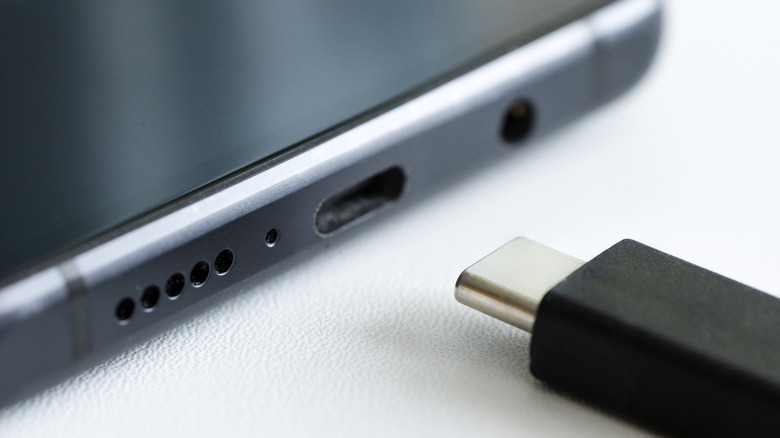
If you don’t think there’s anything wrong with your Android device, perhaps the problem lies in the way it’s connecting to your car (or not connecting, rather). An Android device using Android Auto can be connected to a car through either a hard USB connection or a wireless Bluetooth connection. In the case of the former, you should check the USB cable you’re using to see if it’s loose, frayed, or otherwise non-functional, and replace it if necessary.
In the case of the latter, check your Android device’s Bluetooth settings to make sure it’s properly paired with your car’s system. If it’s not fully paired, or if you accidentally paired it with a different car, it won’t connect. You can also check the status of the connection in the Android Auto app via the “Previously connected cars” section of the app’s settings. Your car may have been added to the Rejected cars list by mistake.
A quick fix for these problems involves tapping the triple-dot button in the top right corner of the app, then selecting Forget all cars. You can then set Android Auto up with your car again. You should also make sure the “Add new cars to Android Auto” option is enabled.
Check Android Auto compatibility
Vladimka production/Shutterstock
If this is the first time you’re experiencing problems with using Android Auto in your car, the problem may be a lack of compatibility, either in your Android device or with the car you’re trying to pair it with. According to Google, an Android device must be running at least Android 6 to use the app, alongside an active wireless service subscription or signal. Additionally, if you’re running an OS version before Android 10, you need to manually install the app through the Google Play Store, as only Android 10 and on have the app installed natively. Android Auto services also aren’t available in all countries; Google has a full list in a support document.
As for your car, while Android Auto does support a wide variety of automobiles with built-in smart displays, it doesn’t support all of them. The official Android website maintains a database of cars that Android Auto supports, including makes, models, and years. If your car isn’t on the supported list, you can’t use Android Auto with it. Incidentally, if you’re trying to connect Android Auto to a stereo system, that same page also has a list of supported stereo models.
How to get help with stubborn Android Auto problems
dennizn/Shutterstock
If you are absolutely certain that your device’s Android Auto should be connecting to your car, but just can’t seem to do it, you may need to contact Android Help. Visit the official Android Help website to get in contact with professional support agents or source aid from other Android users. You can also take your device to the place you bought it from or to a licensed repair center for an in-depth analysis. If you have the option, try connecting the device to another car or stereo to see if similar problems manifest.
With any luck, you’ll be able to solve any problems you’re having with Android Auto on the road swiftly so you can get back to your drive. You’ve got a destination to get to, and you’ll be darned if a faulty device will prevent you from listening to your favorite tunes while you travel.
Read More
Randy Geddes