

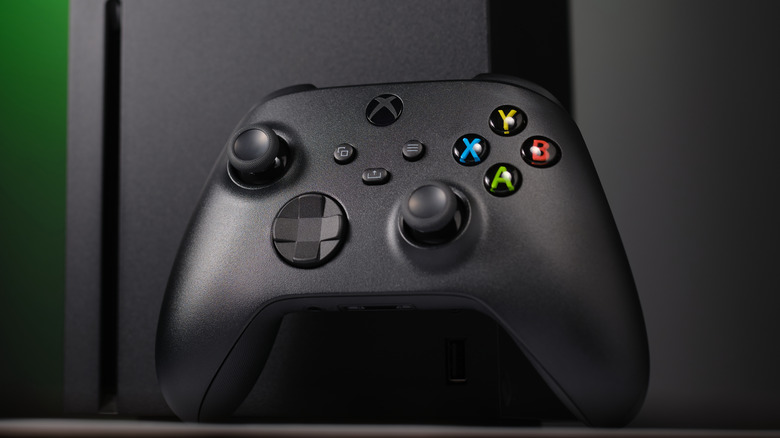
Oleg Krugliak/Shutterstock
With homes becoming increasingly smart, it’s only natural you’d want seamless integration for controlling your gaming console without hunting down remotes. One of the most underrated features of the original Xbox One was using the Kinect to turn your console on with your voice. You could say “Xbox, On” and your game would spring to life, awaiting further commands to help you escape the drag of life.
Well, that’s still possible, thanks to Microsoft adding voice assistant functionality to the latest Xbox consoles. You can add Google Assistant, for instance, and use any voice-activated device to turn the console on, just as you would to control other elements of your smart home. But what happens when the family is sleeping, and you can’t scream commands to your digital butler at the top of your voice? Thankfully, you can still use the Google Home app.
You might find it counterintuitive to use another device to control your Xbox when you could use a controller, but the Google Home app is handy when your controller is lost or its batteries are dead, for example. Or, perhaps you’re on the other side of the room cooking a meal and need to quickly adjust the volume and control movie or music playback. If that sounds useful to you, you’ll be happy to know setting all this up is pretty easy.
How to set up Google Assistant and Google Home on your Xbox
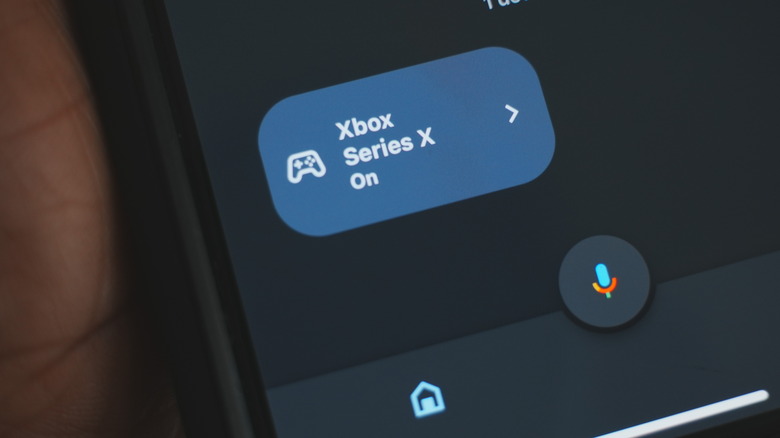
Quentyn Kennemer / SlashGear
Before you can control your Xbox using the Google Home app, you’ll need to enable Google Assistant on your console. The previous link has a full guide showing you exactly how to do it — and also includes instructions for Alexa if you’re into that — but we’ve laid out a quick primer below:
Turn on your Xbox and sign in to your account.
Press the Xbox button on your controller to open the guide.
Navigate to Profile & system, Settings, Devices & connections, and then Digital assistants.
Check the “Enable digital assistants” box to allow Google Assistant access to your Xbox.
Now that you’ve enabled Google Assistant on your Xbox, it’s time to add the console to your Google Home app:
Open the Google Home app on your smartphone or tablet.
Tap the “+” icon in the top-left corner.
Select Set up device.
Choose Works With Google.
Search for Xbox in the list of available devices and tap on it.
Sign in with your Microsoft account credentials.
Choose the Xbox console you want to control and tap Next.
Select the room where your Xbox is located and tap “Next” to complete the setup.
The Google Home app is free to download on the Google Play Store for Android and the Apple App Store for iPhone users.
How to use the Google Home app to control your Xbox
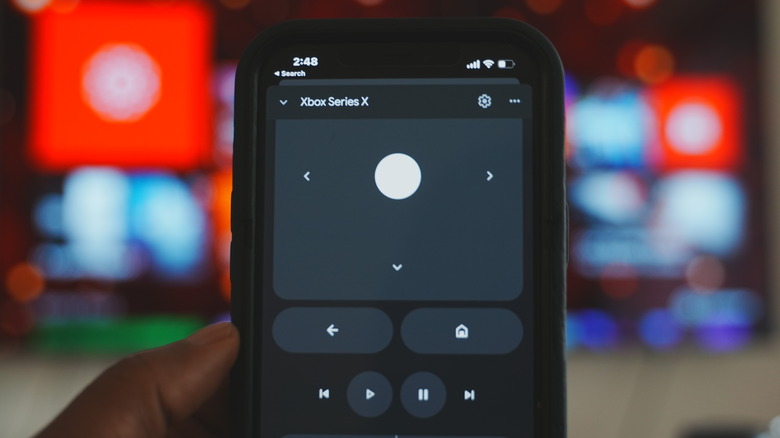
Quentyn Kennemer / SlashGear
Now that your Xbox is connected to the Google Home app, you can control it like any other smart home device. Here’s what you’ll need to do whenever you want to control your Xbox:
Open the Google Home app on your phone.
Pull down to refresh your devices.
Tap on your Xbox console to bring up the touch controls.
Use the touch controls to perform various actions.
You might be surprised — and maybe overwhelmed — by the number of actions you can perform on your Xbox from your Google Home app. With just one tap, you can power the console on or off; navigate any of its menus and on-screen options using directional, back, and home buttons; play or pause content in music and video apps; skip ahead or go back to previous tracks and chapters, adjust the volume, or record a game clip. Your Xbox will display a flag confirming it received a command from Google Assistant whenever you perform one of these actions, so you won’t have to guess whether it’s actually working.
Read More
Lawanda Pepper