

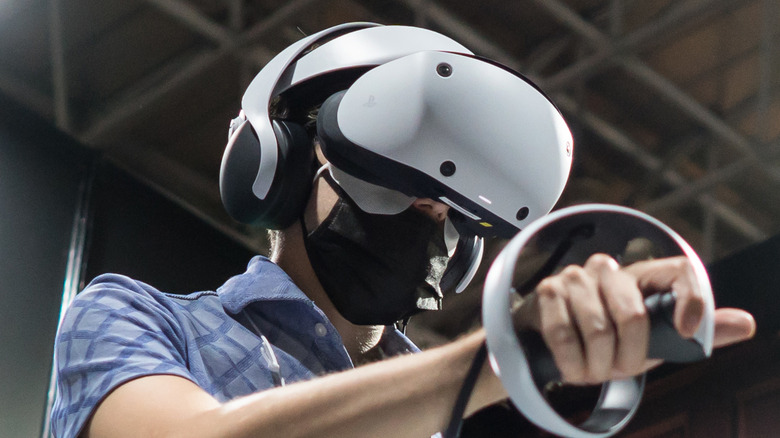
Tomohiro Ohsumi/Getty Images
By all accounts, the PlayStation VR2 is heralded as one of the best virtual reality platforms available in 2023. There’s no real competition gunning for it in the console arena, however, some do think it lives up to even some of the mid-range PC-oriented headsets, and it may outright surpass the entry-level Meta Quest 2 (which still edges the competition owed mostly to its mainstream-appealing standalone design and approachable cost).
For an accessory that costs more than the powerful gaming console it attaches to, we’d sure hope so. But given the price tag, we’d forgive you for cursing Sony over some of its questionable decisions when designing the PSVR 2. One of those decisions was to strip the headset of any onboard volume controls. Whereas the original PSVR had inline cable controls, the sequel has nothing of the sort, not even buttons embedded on the side of the headset itself, ala Meta Quest 2. There are none on the controllers, either. But that doesn’t mean you won’t be able to adjust your PS VR2’s volume at all. The new method is a little more annoying and will force you to take a break from the action, but it’s still simple.
How to change the volume on PS VR2
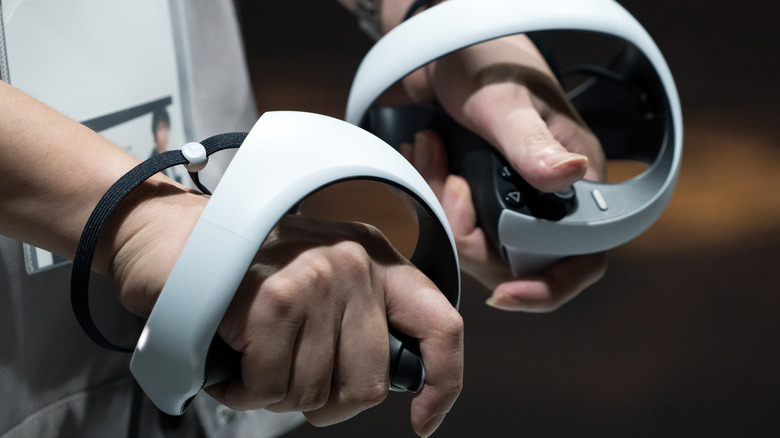
Tomohiro Ohsumi/Getty Images
If you want to adjust the volume on your PS VR2 headset, you’ll need to jump into its software settings. As we stated before, this means you’ll need to disrupt your gaming session, but it’ll only take a few seconds once you’re used to it.
Press the “Home” button on your PSVR Sense controller, or on your DualSense controller.
Scroll to the “Sound” icon in the popup menu that appears at the bottom of the screen.
Scroll down and highlight the “Volume” setting.
Press the “X” button, then move the volume slider left or right to adjust loudness as desired.
Press the “Home” button to get back to your game.
If it doesn’t seem to be working properly, you’ll want to ensure your audio output device is set to PSVR 2, which you can do under the same menu with the volume controls. Also, note that if you’re using a headset with the PSVR 2, you’ll be able to adjust the volume directly on the headset if it has dedicated volume controls, as is the case with the Pulse 3D.
Read More
Joan Damron