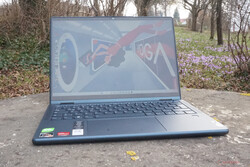
Smooth and elegant. Visually, Lenovo’s Yoga 6 definitely stands out due to its colour-accentuated, fabric-covered display lid. The mobile Ryzen 7 also earns some plus points, not only offering high performance, but also fitting almost perfectly into the elegant convertible thanks to other features.
The Lenovo Yoga 6, now in its 8th generation, has a lot to offer. The combination of tablet and notebook is aimed at creative minds who not only want to tackle graphic tasks with ambition, but also want slightly upmarket equipment for the home. The good, though by no means outstanding 16:10 display, the practical Lenovo digitizer pen (unfortunately not included) and convincing system performance fit this bill.
In addition to the variant we reviewed with its AMD Ryzen 7 7730U and 16 GB of RAM, a smaller model with an AMD Ryzen 5 7530U is also available. With this, 8 GB or 16 GB of RAM can be selected. Experience has shown that 16 GB is advisable, despite the overly high surcharge. Otherwise, you can only configure the software, accessories and the material of the display lid.
With the relatively new and, above all, fast processor from AMD, the Yoga 6 is definitely able to compete with a Dell Inspiron 14 7420, if not surpass it. At the same time, the Lenovo IdeaPad Flex 7 with the same Intel Core i7-1255U is an interesting alternative, although it is no longer on par with AMD’s mobility-tuned Ryzen CPU.
Processor
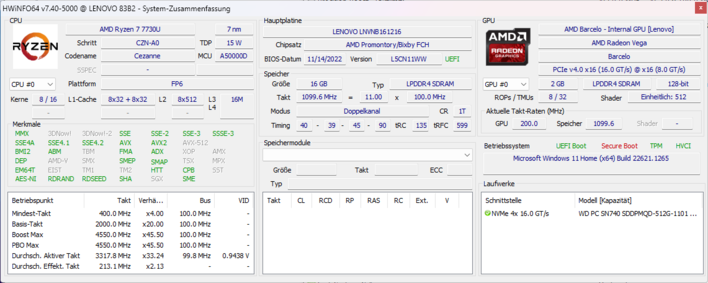
AMD Ryzen 7 7730U 8 x 2 – 4.5 GHz, 30 W PL2 / Short Burst, 25 W PL1 / Sustained, Barcelo R
Memory
16 GB
, LPDDR4-4266, Dual-Channel
Display
13.30 inch 16:10, 1920 x 1200 pixel 170 PPI, Multitouch, LEN133WUXGA, IPS, glossy: yes, 60 Hz
Mainboard
AMD Promontory/Bixby FCH
Soundcard
AMD Zen – Audio Processor – HD Audio Controller
Connections
4 USB 3.0 / 3.1 Gen1, USB-C Power Delivery (PD), 1 HDMI, 2 DisplayPort, Audio Connections: Headset, Card Reader: microSD, 1 Fingerprint Reader, Sensors: Accelerometer
Networking
MediaTek MT7921 (a/b/g/n = Wi-Fi 4/ac = Wi-Fi 5/ax = Wi-Fi 6/), Bluetooth 5.2
Size
height x width x depth (in mm): 18.6 x 301 x 218 ( = 0.73 x 11.85 x 8.58 in)
Battery
59 Wh Lithium-Polymer
Operating System
Microsoft Windows 11 Home
Camera
Webcam: Full-HD
Primary Camera: 2 MPix FHD + IR webcam with mechanical shutter
Additional features
Speakers: Stereo, Keyboard: Chiclet, Keyboard Light: yes, Lenovo Vantage, 24 Months Warranty
Weight
1.39 kg ( = 49.03 oz / 3.06 pounds), Power Supply: 300 g ( = 10.58 oz / 0.66 pounds)
Note: The manufacturer may use components from different suppliers including display panels, drives or memory sticks with similar specifications.
The chassis (metallic blue in our test unit) is sufficiently stable in its build. It only shows a slight bend when held at one corner. Here, the absence of an aluminum keyboard frame is noticeable, which would have made the whole thing even stronger. On the other hand, the display seems a good deal more solid.
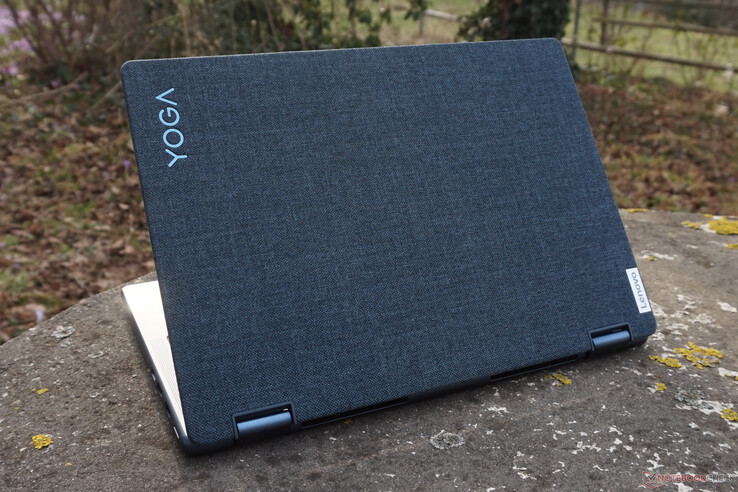
The lid of this model is wrapped in fabric, the texture of which is reminiscent of tweed. Visually, this is definitely a highlight that makes you enthusiastic at first. However, fine dirt particles, crumbs and the like quickly catch and can sometimes only be removed with difficulty. One can thus plausibly assume that the edges and corners may be worn out in a year or two. Anyone who often stows the convertible in bags or backpacks and travels a lot with would be much better off with the aluminum lid.
Otherwise, the good workmanship and the tight hinges, which can only be adjusted using both hands, and the rounded edges for easy handling make for a good first impression. On the outside, the Yoga 6 clearly sets itself apart from the grey-silver colored competition.
With a screen diagonal of 13.3 inches, the convertible is roughly oriented to the DIN A4 format. This size ensures that it fits well in small backpacks or shoulder bags. A thickness of around 18 mm is not the best value, but for a model with a foldable touchscreen and high computing power, the Yoga 6 falls within the normal range.
This also applies to the weight: together with the power supply unit, it weighs less than 2 kg. Not extraordinarily light, but light enough for portable use, especially since it becomes clear later on in the review that the power adapter does not necessarily have to be taken along.
The range and number of ports are perfectly adequate for private use. A total of three video outputs – one via HDMI, two via USB-C – will only be used in the rarest of cases. On the negative side, all USB ports are only capable of 5 Gbit/s, which is on the level of USB 3.0. Nevertheless, this should be sufficient for transferring larger amounts of data, and video signals in 4K can still be forwarded.
HDMI and the headset connection are the usual extras, while the card slot has been omitted in many of the competitors.
What is lacking, especially in tablet mode, is a volume rocker, which is standard on tablets. Adjusting the volume while streaming a video turns out to be very tedious without a dedicated switch.
Using our AV PRO microSD 128 GB V60 reference card, we measured a slightly above-average value for the transfer speed of the microSD card slot. Whether this is the same model as in the Lenovo IdeaPad Flex 7i is not certain, but cannot be ruled out.
Around 80 MB/s means that, in the best case scenario, a 32 GB microSD card would be copied in 7 min. The Dell Inspiron 14 7420, for example, would take half an hour for this.
The WLAN module is neither particularly fast nor too slow. The average values we determined for the same MediaTek plug-in card are even a few percentage points below our measurements.
So the Yoga 6 does not offer outstanding speeds, but it has more than enough power for all network and internet tasks. Bluetooth 5.2 is also integrated.

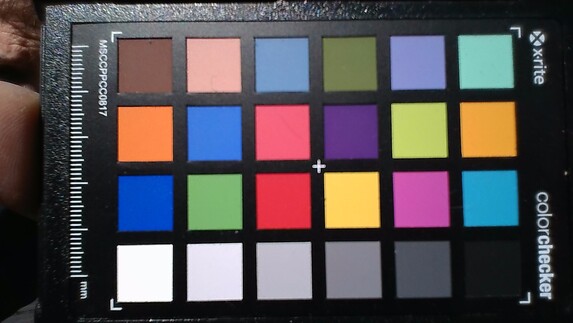
The Full HD webcam of the Yoga 6 comes with all the important extras. In addition to the mechanical cover, an infrared camera is also installed. Image quality is satisfactory and color deviations are noticeable, but by no means particularly noticeable.
Even in minimal room light, the image remains decently illuminated, but displays clearly noticeable image noise. Once a dim or weak light is turned on, the video image quality gives no cause for complaint.
With the dual-array microphone, voice recordings are solid with a reasonably consistent volume, even from different directions. However, a tinny undertone is minimally audible and the sound quality drops significantly at a distance of more than 2 m.
5.9 ∆E
11.2 ∆E
11.4 ∆E
7.7 ∆E
7.6 ∆E
5.4 ∆E
9.8 ∆E
15.2 ∆E
11.5 ∆E
7.1 ∆E
6.8 ∆E
3.9 ∆E
7.9 ∆E
12.3 ∆E
11.9 ∆E
6.6 ∆E
5.3 ∆E
9.4 ∆E
2 ∆E
10 ∆E
10.8 ∆E
8.9 ∆E
7.3 ∆E
10 ∆E
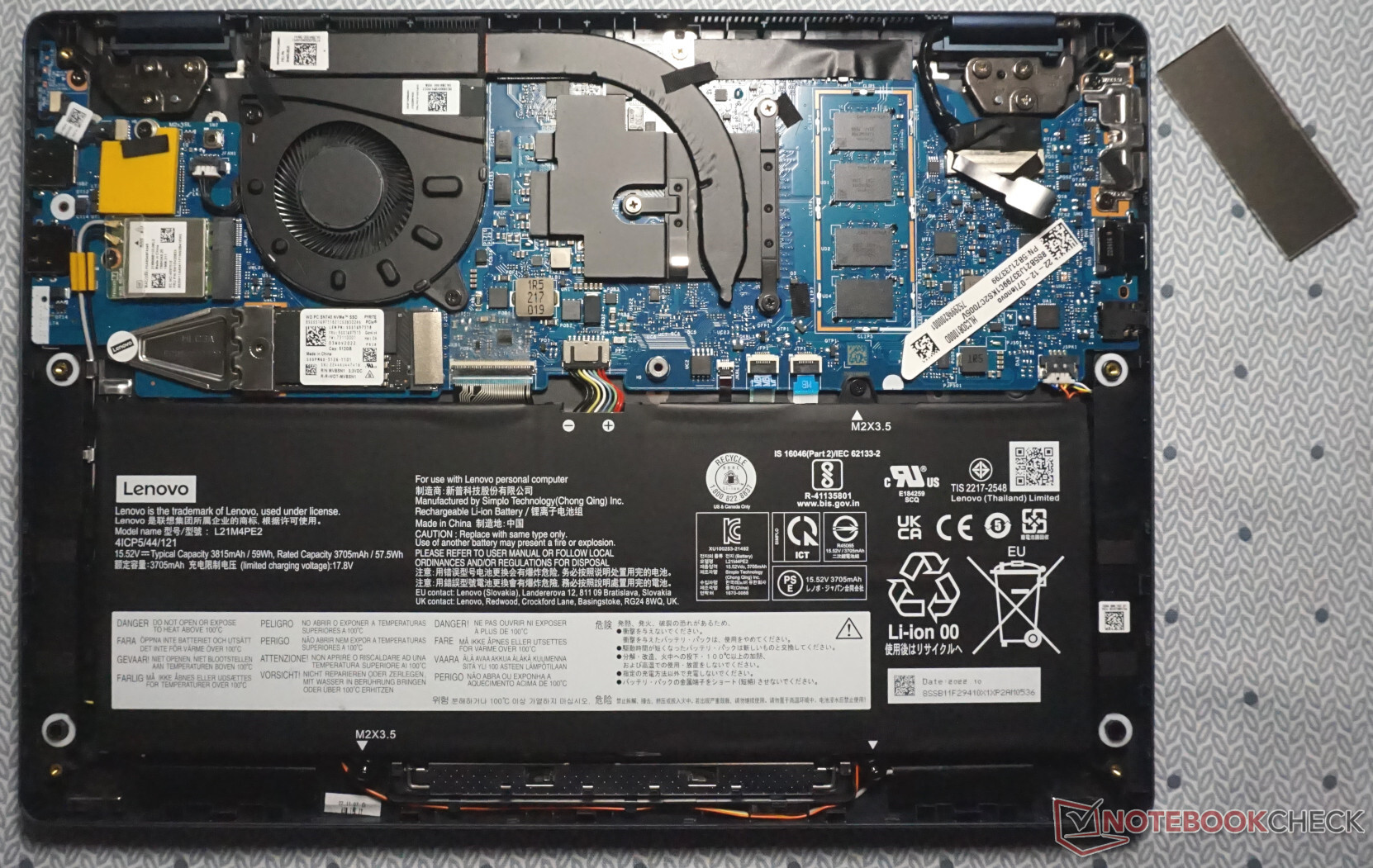
Access to the interior of the Lenovo convertible is sealed. This is fine, since in most cases it will remain sealed until the end of the Yoga 6’s life. However, the seal could have been more discreet than a red sticker that is almost a quarter of the length of the entire device.
Those wanting to get inside will not be hindered otherwise. Six torx screws have to be loosened. Then, as is often the case, the base can be prised open without much effort, starting from the hinges.
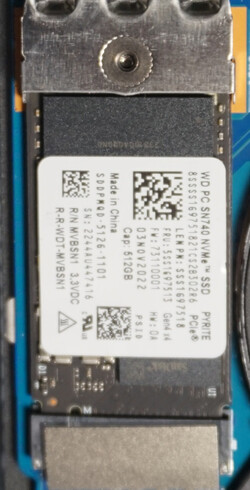
Apart from the RAM, which is unfortunately permanently soldered, the M.2 SSD, WLAN module and battery can be easily replaced. The fan is also very accessible and easy to clean.
When typing, you immediately notice that the small convertible has a standard-sized keyboard, so it is well suited for frequent and fast typists. At most, the arrow keys with their double assignments, which are pushed tightly into the corner, require a little practice. The key drop of just under 1 mm is quite typical for a flat notebook keyboard. However, key feedback could be a little firmer and more precise.
The touchpad is pleasantly large: it measures almost 12 x 8 cm. Control is very precise. The hidden buttons also react quickly and are neither too firm nor too easy to press.
Then there is the touchscreen, of course, which makes handling excellent, not only in tablet mode. Because the hinges are firm enough, you can type on the display with the screen set up in the classic position. Since Windows has a wide range of useful gesture controls, the operating system can be operated efficiently without a keyboard and mouse.
The combination of a 16:10 aspect ratio and a resolution slightly above Full HD makes working and surfing very comfortable. The display offers plenty of space and images are crisp.
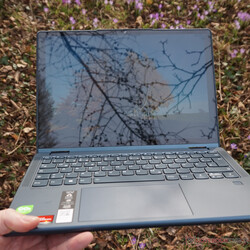
Thanks to a very good black value, the contrast value is decent. Moreover, the illumination is even. Thus, on the desk and indoors generally, it is not at all noticeable that the maximum brightness is low at 280 cd/m². While this remains constant in battery mode, this doesn’t help much in the presence of light. In combination with the reflective surface of the touchscreen, a sunlit room or wall is enough to reduce legibility.
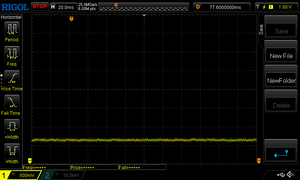
No flickering was detected at low brightness levels.
| 273 cd/m² | 269 cd/m² | 273 cd/m² | ||
| 263 cd/m² | 278 cd/m² | 268 cd/m² | ||
| 267 cd/m² | 279 cd/m² | 267 cd/m² | ||
Distribution of brightness
LEN133WUXGA
X-Rite i1Pro 2
Maximum: 279 cd/m² (Nits) Average: 270.8 cd/m² Minimum: 2.8 cd/m²
Brightness Distribution: 94 %
Center on Battery: 280 cd/m²
Contrast: 1112:1 (Black: 0.25 cd/m²)
ΔE Color 3 | 0.59-29.43 Ø5.2, calibrated: 0.62
ΔE Greyscale 5.04 | 0.57-98 Ø5.4
70% AdobeRGB 1998 (Argyll 2.2.0 3D)
99.5% sRGB (Argyll 2.2.0 3D)
69.9% Display P3 (Argyll 2.2.0 3D)
Gamma: 2.46

 , med:
  , max: