


ANDRANIK HAKOBYAN/Shutterstock
If we had to make a list of all the annoying things on the planet, slow Wi-Fi would easily take the cake. In a world where almost everything relies on a swift internet connection, sluggish load times quickly become a major obstacle to everything from entertainment to productivity. But the good news is that you can improve your home Wi-Fi speed with a few simple tweaks, barring the possibility that the issue is from your internet provider.
Before we get started, it’s important to run a speed test so you have a benchmark that you can use for comparison as you troubleshoot. This way, you’ll know if the suggested fixes actually improve your network speed. It also helps to know the maximum speed your internet plan promises, so that you can get a good idea of what speed is obtainable.
Keep in mind, however, that many Internet Service Providers only guarantee top speeds over a wired connection. This means it might not be possible to get the maximum advertised speed over a Wi-Fi connection, but that doesn’t mean you cannot have a smoother browsing experience. Now, without further ado, let’s get into the tips and tricks that should help you improve the quality of your Wi-Fi connection at home.
Move it, move it
Sunnyvmd/Getty Images
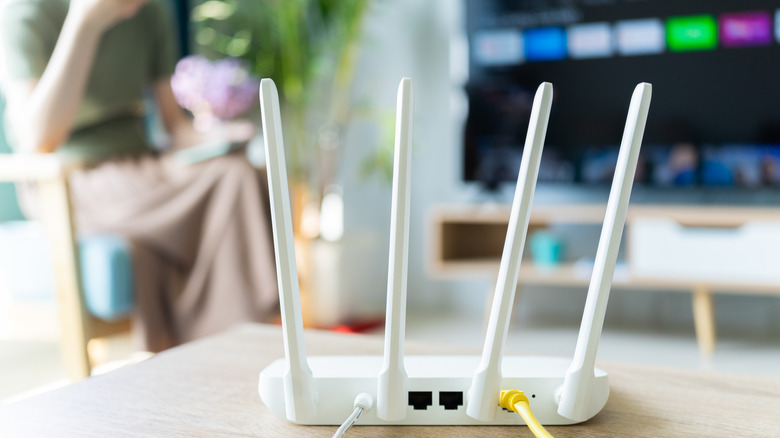
Your Wi-Fi connection is a wireless signal, but it can still be hindered by physical factors. Cupboards, closets, bookshelves, and even walls can potentially obstruct good Wi-Fi signals.
You can make a major difference to signal strength and speed by moving your router to an optimal location. What counts as “better” placement depends on your home and its layout, but make sure you’re choosing a central, prominent position. You want to place the router in a spot that’s free from obstructions, and close enough to all your high–priority devices, especially those you might not move around much — desktop computers, gaming consoles, and televisions, for example. It’s also important to choose a spot away from other devices that emit electromagnetic waves: these include microwave ovens, baby monitors, electric heaters, and even TV remotes.
If the position you find optimal is a long distance from an outlet, you might need to add cabling to set up your router. It’s best to place the router on a flat surface, but if you can’t find one near an ideal location, you can mount your router on a wall. This is one of the reasons why it’s crucial to take aesthetics into account when buying a router — you’re more likely to stash a router if it’s too cumbersome or distracting. If you don’t like how the router looks in your space, there are some ways to hide it without killing the signal.
Go wired
Proxima Studio/Shutterstock
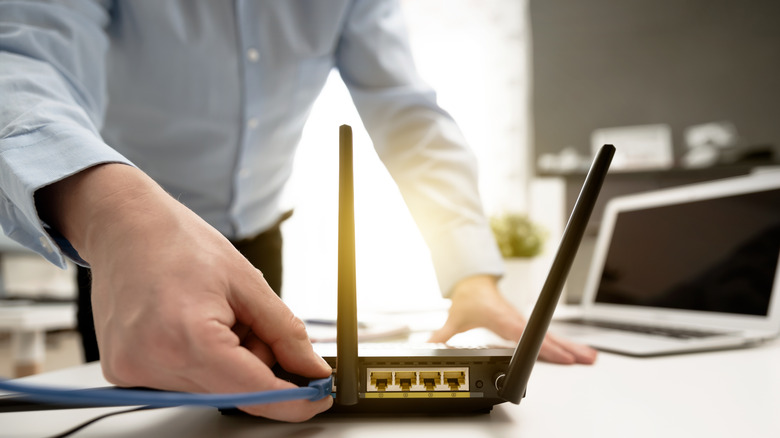
As previously mentioned, there’s a high chance your router can only deliver its maximum advertised speed over a wired connection. Granted, it’s less convenient than a wireless connection. If you need fast internet urgently, connecting your computer to the router via an ethernet cable is one way to go. Not only is the connection more stable than Wi-Fi, but it also can’t be affected by physical obstructions or signal overcrowding.
Routers typically have a number of Ethernet ports, so all you really need is a cable and you’ll be good to go. SlashGear has a guide that should help you choose a solid Ethernet cable, but if you’re staying wired long-term, you might need to purchase extra gear like repeaters, hubs, and switches to extend your coverage distance. You might also need to do some cable management, since you might be dealing with a entangling wires trailing across your home.
Update your router’s firmware
Pheelings media/Shutterstock
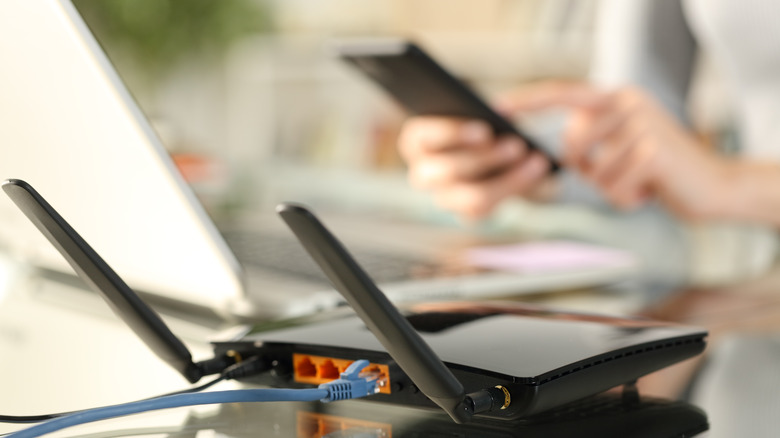
Router manufacturers routinely release software and firmware updates for their products. These are mostly security patches and bug fixes, so they might not take your connection from sluggish to swift in an instant, but they do make a difference. You might get a significant speed boost if you haven’t updated your device in a while.
On most routers, a firmware upgrade should only take a few clicks. Manufacturers bake the process right into the admin interface. SlashGear has a guide to updating firmware on some popular routers. Because the router serves as the entryway for your personal data, maintaining up-to-date firmware is vital. Older router models might require users to visit the manufacturer’s website and download an update, which would then need to be uploaded to the router’s management interface. It might be a tedious task, but the results make it well worth it.
Also, it’s a good idea to regularly update your router’s firmware even if you’re not having connection issues. It’ll help consistently improve performance and security, and you might find unsuspecting feature updates are part of the package.
Cut off some connections (and change your password)
ParinPix/Shutterstock
Your network will inevitably slow down if there are too many devices connected to the Wi-Fi. To keep things running at optimal speed, you’ll want to review and remove unnecessary or unwanted devices.
Your router’s administrative portal should contain info about what devices are using your data and allow you to remove any unwanted connections — known or unknown. You can also use your Activity Monitor or Task Manager to check which apps or programs are hogging data and possibly slowing down your Wi-Fi, and then you can quit or close them.
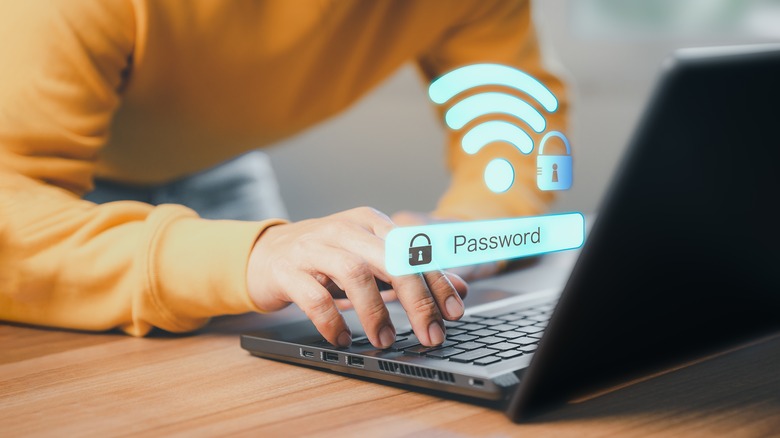
If you discover that someone unexpected is using your Wi-Fi without permission, the most straightforward fix is changing your password, according to Asus. After weeding out intruders from your network, it’s important to secure it with a solid password so that hackers or piggybackers cannot compromise your connection moving forward. Make sure you use a WPA2 password — it uses AES encryption, which is both the safest and the fastest security option.
Change the channel
Momentum studio/Shutterstock
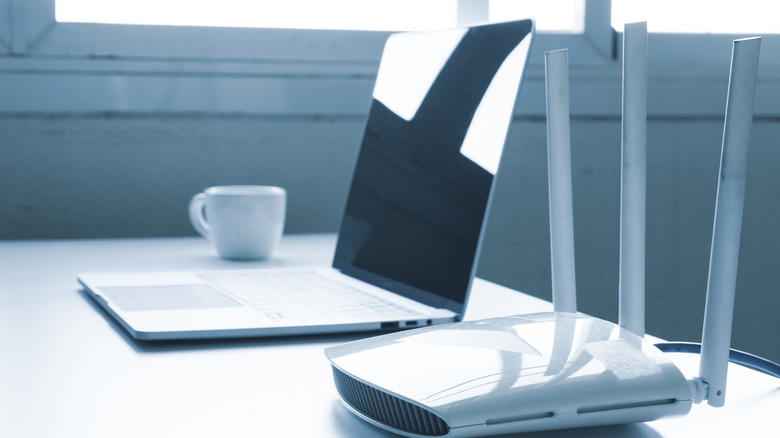
Wi-Fi signal is divided into channels, and routers send to and receive data from other devices via a specific Wi-Fi channel which is usually automatically selected. But channels can get crowded or congested, especially if there are other routers in the vicinity using the same default frequency. You might not be able to kick devices off a crowded channel, so the next best thing is to manually change to a different one.
The process will be different per router, so you’ll need to check your manual or the manufacturer’s website for instructions. On most routers, you’ll find the option under Wireless Settings > Channel in your admin panel. The current channel would most likely be “Auto” but you can click the dropdown menu to select a specific one.
Most modern routers use dual-band technology, broadcasting at both 2.4-GHz and 5-GHz frequencies. On the former you’d typically find 14 channels. You might need to use a Wi-Fi analyzer like NetSpot to find the least-populated channels, and then switch to one.
Extend the signal
Peter Togel/Shutterstock
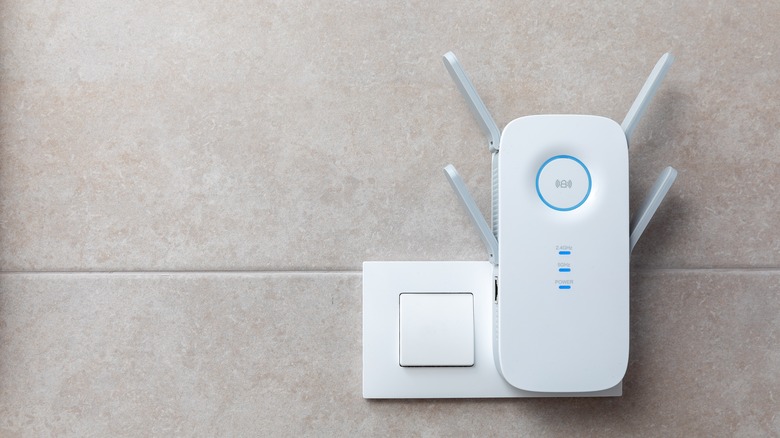
If changing your router’s placement and settings still doesn’t help your connection speed, consider investing in a Wi-Fi extender or repeater. As their names imply, these devices connect to your Wi-Fi signal and extend it to areas of your home that get little to no coverage.
You can use Wi-Fi extenders or mesh network access points, and you should be up and running in no time since they’re usually simple to set up and use. You’ll have to plug the device in an outlet that’s somewhere between the router and the dead zone, and the same rules for router placement apply. That is, choose a prominent, central position, and make sure there are no physical obstructions.
Keep in mind that the wireless signal you’ll get from extenders or repeaters won’t be as strong as a direct connection to your router, so it might only be useful for connecting gadgets that don’t require a lot of bandwidth.
If all these fixes don’t help speed up your home network, you might need to reach out to your router’s manufacturer for support or an upgrade, or check in with your internet service provider.
Read More
Anthony Michaud