

Framesira/Shutterstock
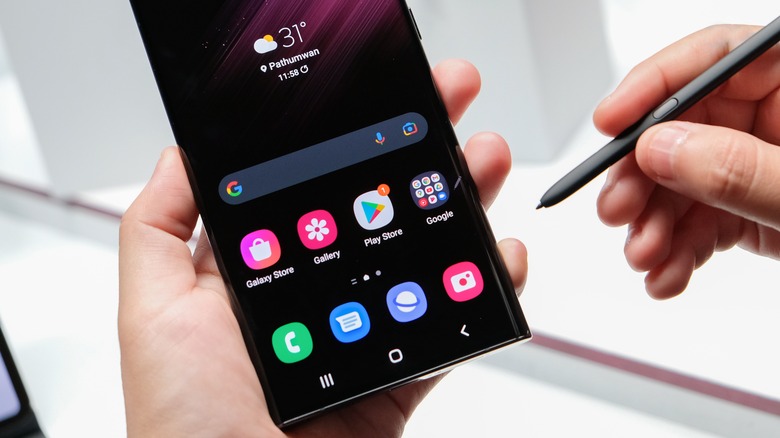
In 2022, users could choose from 2.68 million apps on the Google Play Store (via Statista). While some of these apps come pre-installed, downloading additional apps is just a few taps away. Almost all these apps are built for a specific purpose. For instance, apps like Instagram and Facebook let you digitally socialize and connect with friends and family. Then there’s the Amazon app that allows you to shop from your couch. Want to watch movies or web shows? Platforms like Netflix and Hulu have Android apps as well.
In 2016, average Android users downloaded about 35 apps on their smartphone (via Think With Google), which has only increased over time. Today, some users have over 100 apps, and it takes seconds to open one. However, with so many icons in the app drawer, it can be challenging to locate an app, especially if you are in a hurry. Have you struggled to find the one app you need and spent an entire minute figuring out where it is? Well, you are not alone.
Due to similarities in app icons and unusual app naming choices (e.g., “Immortal” instead of “Diablo Immortal”), finding an app can be a daunting task. Thankfully, there are several ways to organize your Android apps. Several manufacturers provide an app search feature in the app drawer. You can also create and organize app shortcuts on your home screen or group similar apps in a folder so that you can find them all at once.
Start with checking the Play Store status of the app
rafapress/Shutterstock
There’s a slight chance that the app you’re looking for is not on your smartphone. You might have hit the ‘Install’ button on the Google Play Store, but a network error or insufficient storage stopped the download. On the other hand, you might have uninstalled the app by mistake. Since we download dozens of apps, it’s only human to confuse one with another. In this case, open the Google Play Store on your Android smartphone and search for the app by entering its name. If the app card shows ‘Open’ or ‘Update,’ you have the app on your phone. However, if it reads ‘Install,’ you must download the app to use it (via Google).
While downloading the app, wait for a few seconds on the app’s information screen. If the Play Store shows an error related to your network connection or storage, you’ll need to fix those first. If the Play Store’s download preference is set to ‘Over Wi-Fi only,’ you won’t be able to download an app on mobile data.
- Tap on your profile picture on Play Store’s home screen and select Settings.
- Under ‘Network preferences,’ tap on ‘App download preference.’
- Select ‘Over any network.’
If you’re facing an insufficient storage error, you’ll have to delete some apps or files from your Android phone to download the required app.
Ask Google Assistant or use app search
Tada Images/Shutterstock
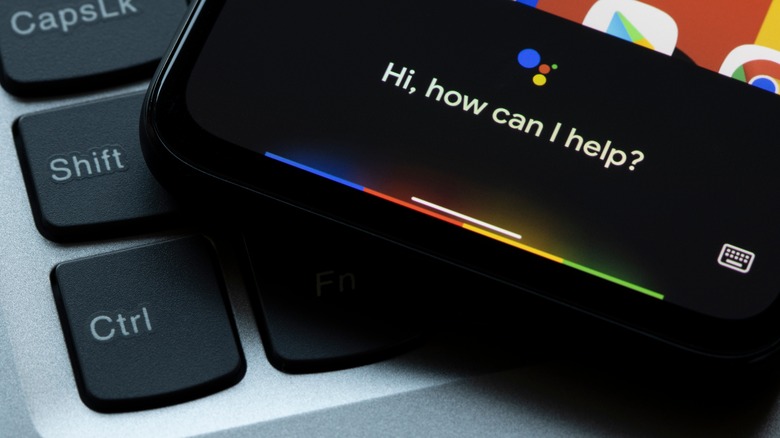
If the Google Play Store shows that you have the app on your phone, there are a few ways to open it without hunting for it. Android smartphones come with Google Assistant, which is able to do many things, including opening apps. Hence, if you’re having trouble locating an app on your Android phone, ask Google Assistant to open it.
- Say “Hey Google” or hold the power button to activate Google Assistant. Alternatively, you can press the mic button on the Google Search bar.
- Say, “Open [app name].”
- Google Assistant might take a second or two to process the voice command, but it will open the app for you (via developer.android.com).
You can also open the app using app search. Considering the rising number of app downloads, smartphone manufacturers provide a feature that allows you to search for an app by entering its name. It is one of the fastest and easiest ways to open an app on your phone.
- Swipe up on the home screen to open an app drawer.
- Type the app’s name in the search bar at the top.
- Tap the app icon from the results to open it.
While these are temporary solutions to open an app, you can solve this problem once and for all by following the tips in the next section.
Place the required icons on the home screen
Mr.Mikla/Shutterstock
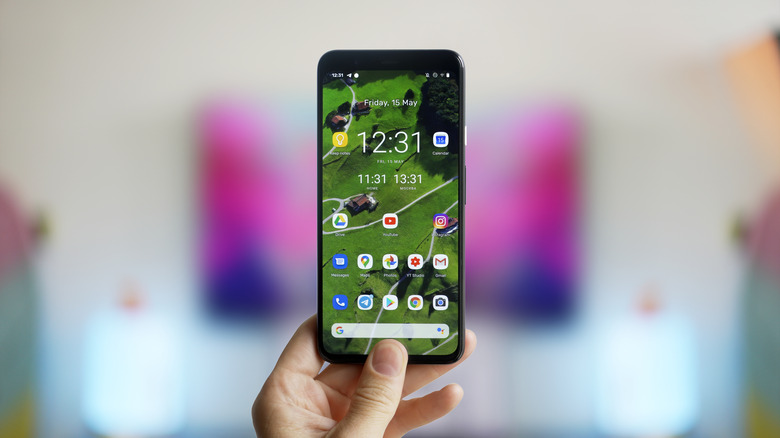
We use only some of the apps on our Android phones regularly. While we might open some apps throughout the day, others come in handy once a month. Placing the apps you frequently open on the Home Screen is a smart idea. By default, new apps take a random available place on the Home Screen, but you can add it to your primary home screen or any place else.
- Tap and hold an app’s icon.
- Drag it to the desired place and drop it (via Google).
- Right-handed users should place the most used apps towards the bottom right corner of the home screen. Similarly, left-handed users would be more comfortable with the app on the screen’s bottom left corner.
If you cannot locate the app’s icon on your home screen, use the app search feature to find it. Then, press and hold on the icon and select ‘Add to home’ from the drop-down menu. Follow the on-screen animation to see where the icon appears, then drag it to the desired place.
Group apps in a folder
Tada Images/Shutterstock
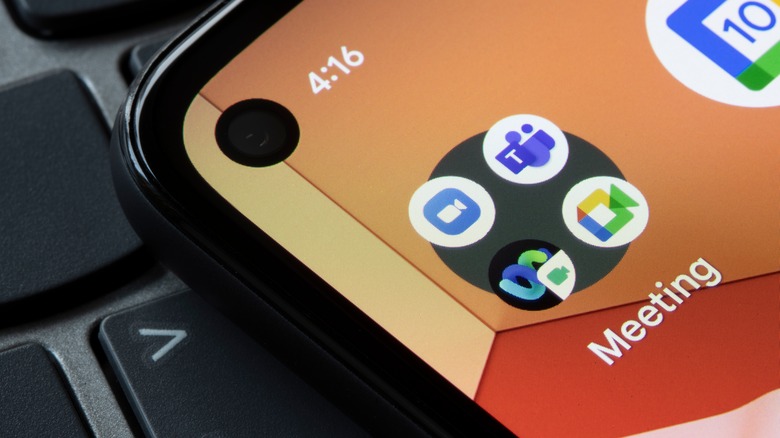
If you’re using multiple apps for similar purposes, grouping them together makes sense. For instance, most of us have numerous social media apps on our phones, including but not limited to Instagram, Facebook, and Snapchat. Similarly, people have multiple communication apps on their phones, such as WhatsApp, Telegram, Messenger, and more. While placing all the apps on the Home Screen would occupy more space, grouping these apps in a folder only takes up the space of one icon.
- Press and hold an app’s icon and drag it over another app’s icon.
- Now, tap on ‘Folder Name’ and enter a name such as social media, chat, or shopping apps.
- Close the keyboard and tap anywhere outside of the folder’s box to exit.
- Now, whenever you need to open an app, you can do so quickly from the folder.
If you have too many apps on your smartphone, consider removing some. Open the Settings app, head to the Apps menu, and uninstall the apps you don’t use very often. This way, there are fewer apps to comb through, and you save space on your Android phone too (via Google).
Read More
Tama Center