

TierneyMJ/Shutterstock
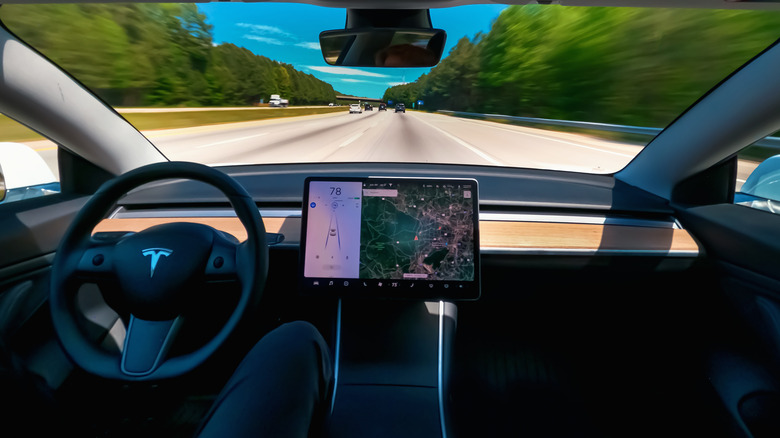
Tesla cars come packed with an awesome smattering of features and next generation functionality. From the use of assistive autopilot driving to the intelligent charge settings that car owners are able to take advantage of, there’s a lot to love about a Tesla.
One feature that is sort of the unsung hero of the Tesla driving experience is the Tesla driver profile. This allows Tesla owners to customize a wide range of settings and functions in the vehicle to make the driving experience a much more enjoyable one. A driver profile is easy to set up, and it can make the entire arc of your Tesla ownership a far more pleasant opportunity in navigation and EV usage.
The driver profile is something that many new Tesla buyers set up when getting behind the wheel of their car for the first time, but whether you’ve gone through the steps to this or not, failing to use this feature to its full potential is a missed opportunity in the holistic Tesla experience.
Creating driver profiles is a straightforward process
Flystock/Shutterstock
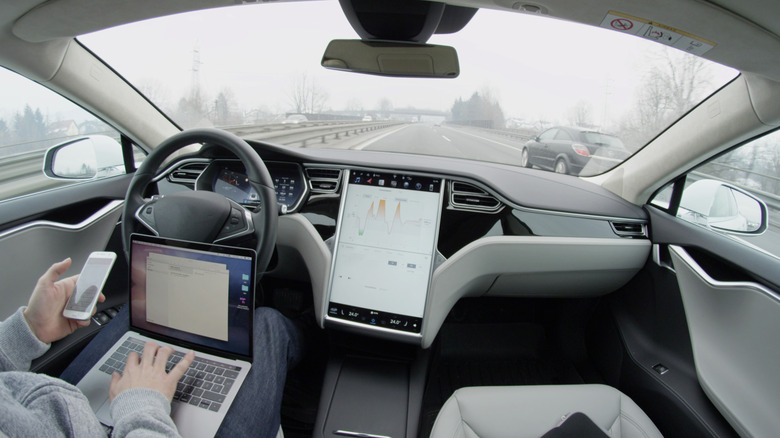
When you hop inside your Tesla for the first time, you’ll be guided through some basic setup functions. As is standard with any car that you’re driving for the first time, you’ll want to also adjust the side mirrors and rearview mirror, the steering wheel height and depth, and the seat’s positioning. These adjustments are fed into the Tesla’s command center. Tesla reports that the process couldn’t be easier:
- First, make these required adjustments.
- Then follow the prompt on your Tesla’s screen to save them as a codified driver profile.
Believe it or not, that’s it! Once you’ve saved your seat, mirror, and other settings to the vehicle, it will remember these adjustments and return the car to your preferences (or physical requirements) whenever you get into the car. But it gets more involved. You can also customize entertainment settings, air conditioning, route planning, and many other features that coordinate to take the Tesla driving experience to a higher level. Failing to utilize your driver profile (and the ability to create and manage other profiles for the car’s additional users) to its full extent means leaving a lot of capabilities that the car has to offer unused.
It’s also easy to add a new driver profile. Per Tesla:
- Tap the driver profile icon atop the touchscreen.
- Tap Driver Profile Settings > Add New Driver
- Type the driver’s name and simple tap Create Profile.
Driver profiles can be synced with keys and other tools
chettarin/Shutterstock
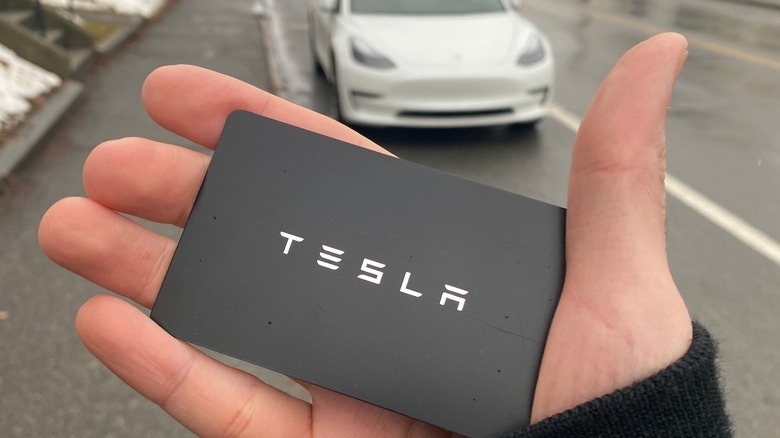
Instead of clicking through screens to set a driver profile for your next ride, you can sync these settings to your key. This is particularly important for families or groups that share a car among two or more drivers. If multiple people will be using the Tesla throughout the week, it’s likely that several adjustments to these important features will occur on a regular basis. Instead of need to adjust your seat manually or wait for the side mirrors to reset to your preference one by one, the key can act as a catalyst for these maneuvers. Every Tesla reports that a Model 3 can remember 19 linked keys, phones, and key cards, and four key fobs across 10 driver profiles. This is a wonderful feature because it allows you to pair your smartphone, a key fob, key cards, and a key to your driver profile and the car itself. This means that even if you’ve locked yourself out of the house, as long as you have your phone or any number of other linked devices, you’ll be able to get into the car.
A key card often lives in a person’s wallet or purse, while phones, keychains, and other options for Tesla linkage might reside elsewhere in a person’s typical kit to leave the house.
Every Tesla notes that you’ll simply need to navigate to:
- Controls > Locks, and then touch the + icon to add an authenticated device.
- Then tap the driver profile to associate the control device to a profile.
Preferences are saved, so settings are codified
Kaspars Grinvalds/Shutterstock
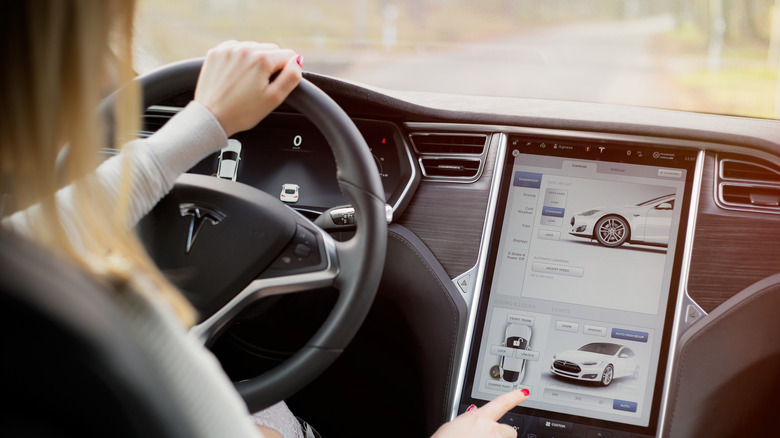
Saved preferences are a boon for drivers looking to incorporate features and intuitive driving into their daily routine. Instead of maintaining a lengthy startup process that sees them interacting with whichever chosen maps app on a phone, adjusting the radio and air conditioning settings, and then checking the road to get underway, drivers car can simply initiate a sequence pre-programmed into its core processes through their driver profiles.
It’s worth noting that in advance of a driving test, the California DMV recommends a sequence of 17 checks before a safe journey can occur, ending with the engagement of a driver’s safety belt. A safe driver should be able to demonstrate their mastery of all of these elements (including the use of arm signals in the event of a lighted turn signal’s failure). Tesla helps cut down that list be handling some safety tasks for drivers by virtue of the driver profile.
In addition to these features, many drivers want to listen to music or perhaps even call friends or family members while on the road (provided they are using the appropriate hands-free tools to maintain legal road use). Your car can set mirrors, change climate control settings, and open up screens on the center console without any additional input.
Valet Mode offers an additional layer of vehicle security
B.Zhou/Shutterstock
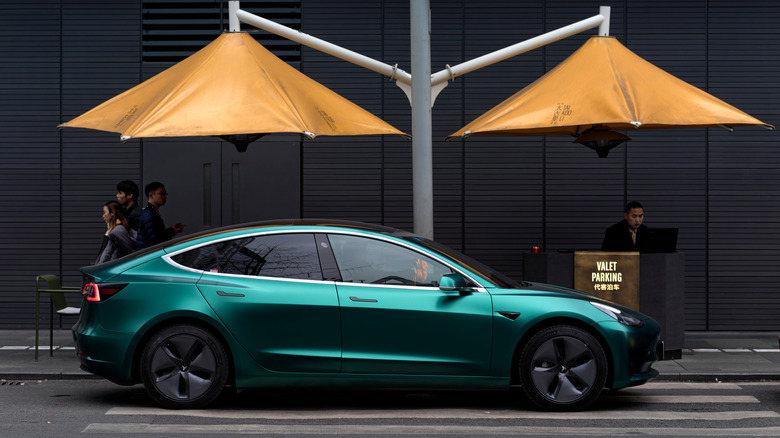
The last feature associated with Tesla’s driver profiles is a unique one that can add a nuanced layer of vehicle security and peace of mind. Tesla reports that its Valet Mode creates limitations on the ways in which a driver can interact with and use the vehicle.
Tesla says that setting your car in Valet Mode is quick and easy:
- Park your car.
- Select the driver profile icon at the top of the Controls screen.
- Select Valet Mode. The first time you use this feature, the car will ask you to set a PIN.
- Turning off Valet Mode requires the reentry of this 4-digit PIN.
Tesla also notes that Valet Mode limits accessibility by locking the glovebox and front trunk, disabling home and work location data, voice commands, driver profiles, and many other features. The car is also limited in speed to 70 miles per hour, and new connectivity through Wi-Fi and Bluetooth is disabled. Once you’ve established your Valet Mode settings, you can also engage or disable Valet Mode from your Tesla app. This is great when leaving your car with a valet, of course, but it’s also an option to maintain security features in the car if you are lending your vehicle to a friend or family member and want to ensure that they remain safe on the road. This way, you ensure other drivers can’t intentionally or accidentally share sensitive information with others who might get into your car.
Read More
Laine Fleishman