Alder Lake with great stamina. Acer tries to go sustainable with the Aspire Vero: the stylish blue chassis of the 14-inch laptop is partially made of recycled plastic. In addition, the laptop offers great performance, Thunderbolt 4 support and excellent battery life.
Sascha Mölck, ???? Sebastian Jentsch (translated by Zhiwei (Peter) Zhuang), Published ????????
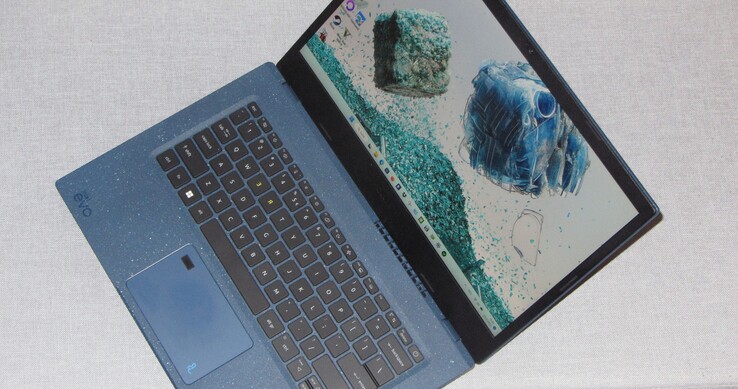
The Acer Aspire Vero AV14-51 is a 14-inch office laptop whose main focus is neither on specs nor performance – though it is not lacking in the latter thanks to the Core i7-1255U processor (Alder Lake) inside. Instead, Acer is putting the spotlight on sustainability: the laptop is partially made of recycled plastic, and its packaging of recycled paper. What’s more, the company promises a product that is durable, serviceable and upgradable. The Vero AV14 is competing with devices such as the Lenovo IdeaPad 5 Pro 14ITL6, the HP Envy 14 and the Dell Inspiron 14 5425.
Processor
Intel Core i7-1255U 10 x 1.2 – 4.7 GHz, 55 W PL2 / Short Burst, 30 W PL1 / Sustained, Alder Lake-U
Memory
16 GB
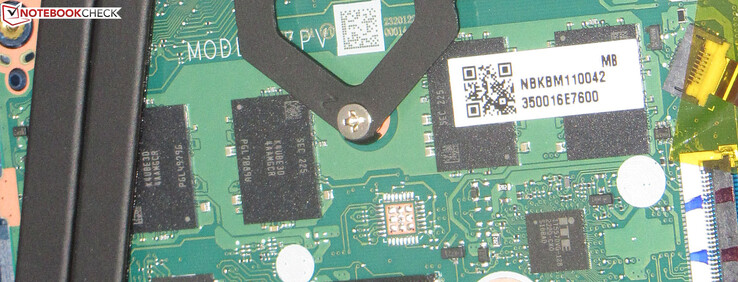
, LPDDR4-4266, Dual-channel mode, no memory slots, onboard
Display
14.00 inch 16:9, 1920 x 1080 pixel 157 PPI, AU Optronics B140HAN06.2, IPS, glossy: no, 60 Hz
Mainboard
Intel Alder Lake-P PCH
Connections
2 USB 3.0 / 3.1 Gen1, 1 USB 3.1 Gen2, 1 Thunderbolt, USB-C Power Delivery (PD), 1 HDMI, 1 DisplayPort, 1 Kensington Lock, Audio Connections: Headset combined port, 1 Fingerprint Reader, TPM 2.0
Networking
Intel Wi-Fi 6E AX211 (a/b/g/h/n = Wi-Fi 4/ac = Wi-Fi 5/ax = Wi-Fi 6), Bluetooth 5.2
Size
height x width x depth (in mm): 17.9 x 328.7 x 223.6 ( = 0.7 x 12.94 x 8.8 in)
Battery
55.9 Wh, 3634 mAh Lithium-Polymer
Charging
fast charging / Quickcharge
Operating System
Microsoft Windows 11 Home
Camera
Webcam: FHD
Primary Camera: 2.1 MPix
Additional features
Speakers: Stereo, Keyboard: Chiclet, Keyboard Light: yes, ExpressVPN (Trial), Microsoft 365 (Trial), Microsoft OneNote (Trial), Norton Security Ultra (Trial), 24 Months Warranty
Weight
1.5 kg ( = 52.91 oz / 3.31 pounds), Power Supply: 308 g ( = 10.86 oz / 0.68 pounds)
Note: The manufacturer may use components from different suppliers including display panels, drives or memory sticks with similar specifications.
The somewhat angular shape looks great: you can definitely describe the laptop as stylish. The dark blue (“Mariana Blue”) also suits the device very well. It is not simply a plain blue; there are many brighter particles mixed into the plastic, which resemble paint splatter and lend the laptop a more playful look.
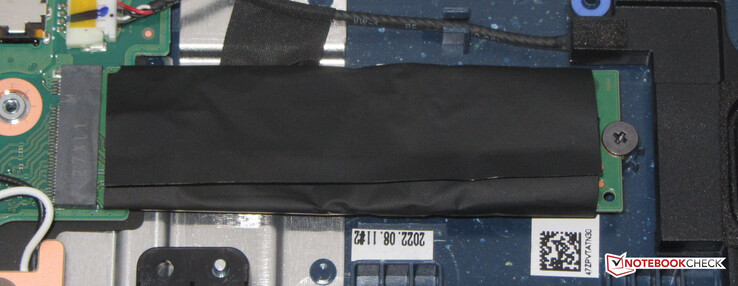
Our review unit doesn’t have any workmanship issues. The base section and lid can be twisted slightly, but the amount of flex is just acceptable. The bottom cover is pretty easy to remove. Once it is off, you’ll have access to the battery (held in place with screws rather than adhesive) and the rest of the internals.
The laptop features two USB-A ports (2x USB 3.2 Gen 2) and a USB-C port (Thunderbolt 4, Power Delivery and DisplayPort). It supports up to two external monitors (1x DP, 1x HDMI), but lacks a memory card reader. The built-in webcam (2.1MP, max. resolution of 1,920 x 1,080) doesn’t have a mechanical shutter.
Under optimal conditions (no other Wi-Fi devices nearby, short distance between laptop and server PC), the Aspire Vero AV14 delivered excellent Wi-Fi transfer speeds during our testing.
| Networking | |
| iperf3 transmit AX12 | |
| Average Intel Wi-Fi 6E AX211 (1003 – 1501, n=4) |
|
| Average of class Office (87 – 1651, n=70, last 2 years) |
|
| Dell Inspiron 14 5425 6VPKR MediaTek MT7921 |
|
| iperf3 receive AX12 | |
| Average Intel Wi-Fi 6E AX211 (1178 – 1623, n=4) |
|
| Average of class Office (100 – 1716, n=70, last 2 years) |
|
| Dell Inspiron 14 5425 6VPKR MediaTek MT7921 |
|
| iperf3 receive AXE11000 6GHz | |
| Acer Aspire Vero AV14-51-72DL Intel Wi-Fi 6E AX211 |
|
| Average Intel Wi-Fi 6E AX211 (883 – 1857, n=66) |
|
| Average of class Office (609 – 1724, n=20, last 2 years) |
|
| iperf3 transmit AXE11000 6GHz | |
| Acer Aspire Vero AV14-51-72DL Intel Wi-Fi 6E AX211 |
|
| Average Intel Wi-Fi 6E AX211 (891 – 1851, n=66) |
|
| Average of class Office (685 – 1892, n=19, last 2 years) |
|
HP Envy 14-eb0252ng Intel Wi-Fi 6 AX201; iperf3 receive AXE11000; iperf 3.1.3: Ø1705 (1694-1719)
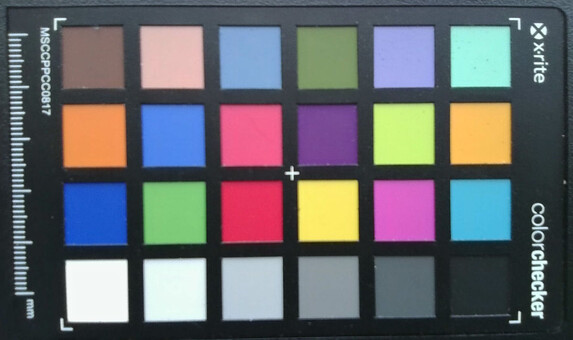
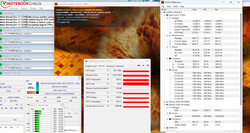
11.7 ∆E
12.3 ∆E
16.2 ∆E
16.9 ∆E
14 ∆E
14.5 ∆E
8.4 ∆E
19.3 ∆E
13.3 ∆E
8.8 ∆E
14.4 ∆E
8.3 ∆E
10.9 ∆E
17.2 ∆E
13.1 ∆E
9.8 ∆E
10.5 ∆E
17.4 ∆E
2.8 ∆E
13.2 ∆E
13.2 ∆E
12.2 ∆E
9.4 ∆E
5.6 ∆E
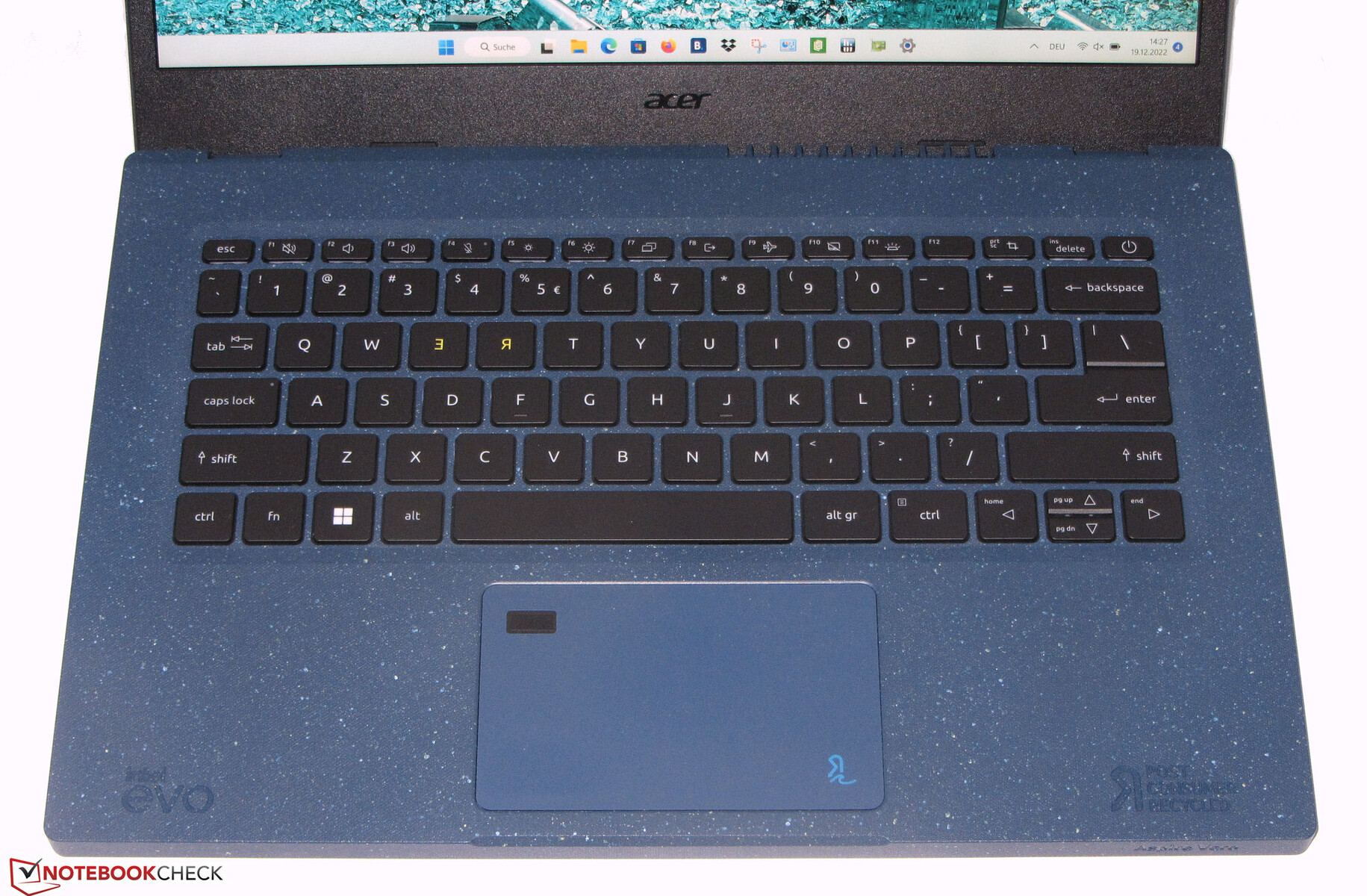
The keys on the backlit chiclet keyboard (two brightness levels) have short travel and a distinct actuation point. The keyboard flexes slightly when you’re typing on it, but this didn’t prove to be bothersome. Overall, the keyboard on the Acer Aspire Vero is fit for everyday use. The clickpad (approx. 10.5 x 6.5 cm, or 4.1 x 2.6″) supports multi-touch, and its smooth surface allows fingers to slide across effortlessly. It has short travel and produces a crisp click.
Note: Acer was only able to send us a model with the US International keyboard layout.

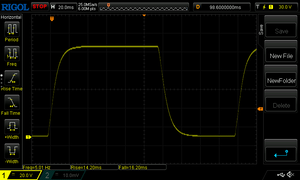
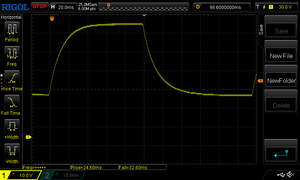
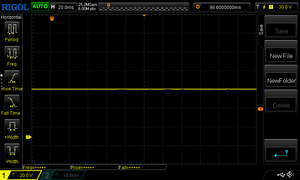
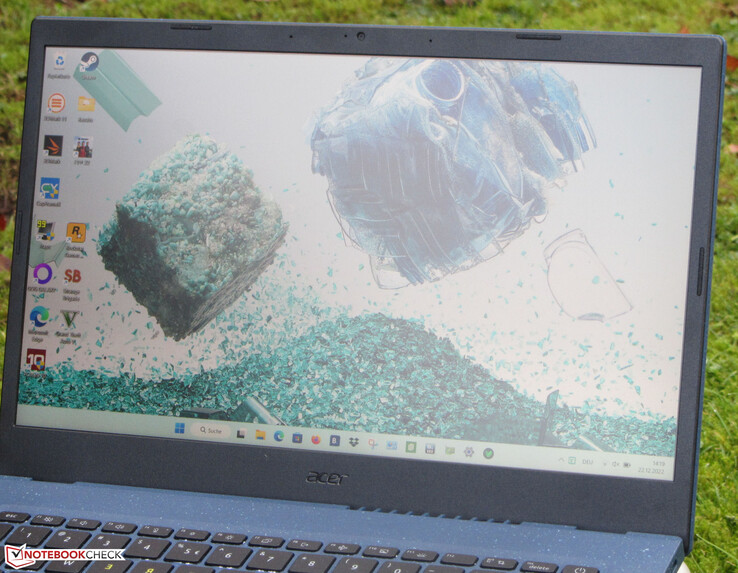
The matt 14-inch display (1,920 x 1,080) is quite impressive as a whole. Its max brightness (308.2 cd/m²) and contrast (1,935:1) are high enough to be considered good (>300 cd/m² and >1,000:1 respectively). Another positive thing is that the panel doesn’t exhibit PWM flicker at any brightness settings. That said, competing laptops such as the IdeaPad 5 Pro and Envy 14 both have brighter screens on board.
| 308 cd/m² | 318 cd/m² | 288 cd/m² | ||
| 300 cd/m² | 329 cd/m² | 305 cd/m² | ||
| 295 cd/m² | 325 cd/m² | 306 cd/m² | ||
Distribution of brightness
AU Optronics B140HAN06.2
X-Rite i1Pro 2
Maximum: 329 cd/m² (Nits) Average: 308.2 cd/m² Minimum: 6 cd/m²
Brightness Distribution: 88 %
Center on Battery: 329 cd/m²
Contrast: 1935:1 (Black: 0.17 cd/m²)
ΔE Color 1.31 | 0.59-29.43 Ø5.2, calibrated: 0.94
ΔE Greyscale 1.75 | 0.57-98 Ø5.5
69.4% AdobeRGB 1998 (Argyll 2.2.0 3D)
98.6% sRGB (Argyll 2.2.0 3D)
68.1% Display P3 (Argyll 2.2.0 3D)
Gamma: 2.39

 , med:
  , max: