

Miguel Lagoa/Shutterstock
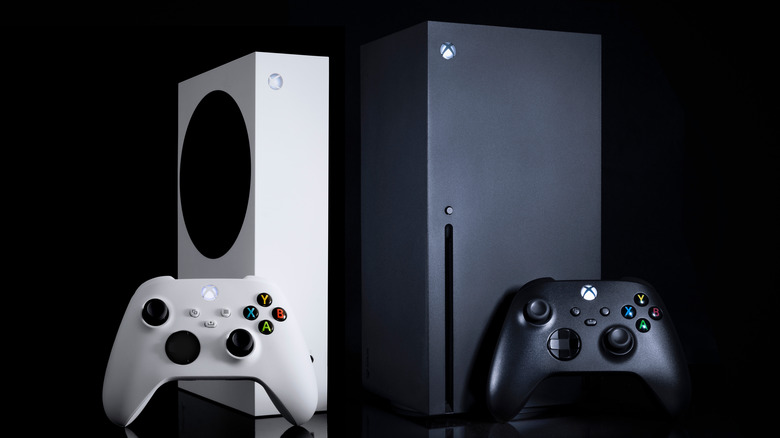
Gamers know that keeping your Xbox Series X clean helps aid in the console’s continued performance. Having too much dust accumulate inside your console (or any high performance technology) can cause serious damage. Dust, dirt, and hair can build up inside your console, blocking the fan, air vents, and damaging the disc drive. It can lead to your console overheating and malfunctioning.
Not only is it important to keep the inside of your Xbox Series X clean, but the outside as well. Not only do you want to keep your Xbox Series X running like new, but you want to keep it looking new, too. Thankfully, Microsoft shares with its customers the tools needed to keep your Xbox Series X looking and running like new.
To clean the outside of your Xbox Series X, Xbox support recommends using a dampened, microfiber cloth with mild soap or moistened disinfectant wipes. Wipe the exterior every 3-6 months or as needed. Remember to make sure your console is turned off completely before you begin cleaning.
How to clean the dust from your Xbox Series X
Mr.Mikla/Shutterstock
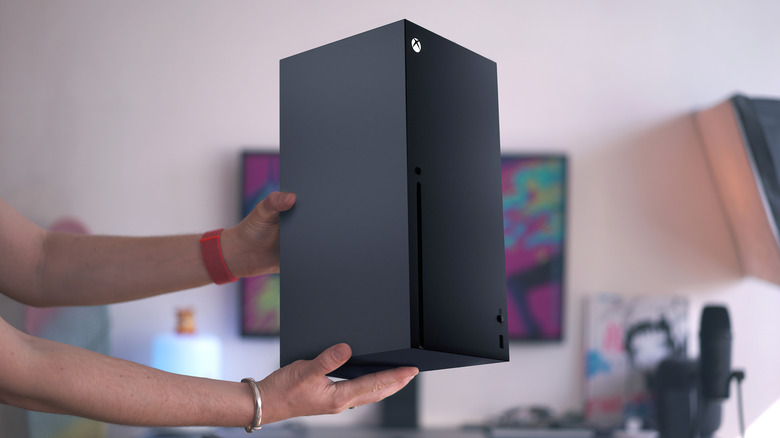
Cleaning the interior of the Xbox Series X is a tad bit more complex, and officially, Xbox support does not recommend opening your Xbox Series to clean internally. However, to keep dust from accumulating, cleaning the interior is necessary. According to SortaTechy, you should make sure you have these tools handy before you open your Xbox Series X console to begin cleaning.
- Compressed air can
- Microfiber cloth
- Soft-bristle brush
- Rubbing alcohol or mild soap
- T8 screwdriver
To begin cleaning the inside of the Xbox Series console:
- Turn off and unplug the console.
- Clean the exterior of the console and its vents with a microfiber cloth.
- Remove the sticker above the connection port and the warranty sticker at the bottom to expose two screws underneath.
- Use the T8 screwdriver to remove the screws and unclip the back of the case, working your way from the bottom.
- Remove the three screws at the upper part of the base of the fan to reveal the fan, allowing you to clean the fan blades and wipe the fan down.
- Turn the case upside down and find the clip that fastens the base plate to the case.
- Remove the exposed screws to disconnect the optical drive from the case, allowing you to detach the rest of the components from the case.
To reassemble, follow these steps in reverse.
How to clean the Xbox your Xbox Series X Controller

Diego Thomazini/Shutterstock
Caring for Xbox Series accessories is just as important as taking care of the console. The Xbox Series controller can get dirty or even sticky with hours upon hours of gameplay — especially if you snack while playing. Luckily, cleaning the controller is much easier than the console.
When to properly clean your controller, tech care company Asurion advises Xbox One and Xbox series users to:
- Turn off your controller completely by pressing and holding the Xbox button for 5-10 seconds.
- Use a microfiber cloth with isopropyl/rubbing alcohol or a disinfectant wipe to clean the analog sticks. Don’t forget to clean the base of the analog sticks by moving the sticks around.
- Before turning the controller back on for use, let the controller dry completely.
If your Xbox Series X overheats or malfunctions due to dust and dirt accumulation, cleaning your console can help. However, if you still have issues with overheating or malfunctioning after cleaning your Xbox Series, contact Xbox support for servicing.
Read More
Becki Mote