

The bug hit Office documents opened from OneDrive and SharePoint links in classic Outlook

Microsoft says it has started releasing a service-side update for a classic Outlook bug that caused Office files to load blank, show repair prompts, or trigger corruption warnings.
The Outlook documents problem affects Word, Excel, and PowerPoint files opened through OneDrive and SharePoint links in classic Outlook. For workers who live in Microsoft 365, the bigger headache isn’t only the blank screen. It’s the uncertainty Outlook creates when a file that may be fine suddenly looks broken.
Because the change is happening on Microsoft’s end, users shouldn’t need to install anything manually.
A server-side update is rolling out
The rollout began on May 4, 2026, and should gradually reach affected Microsoft 365 setups. Once it lands, users may need to restart classic Outlook before those links work normally again.
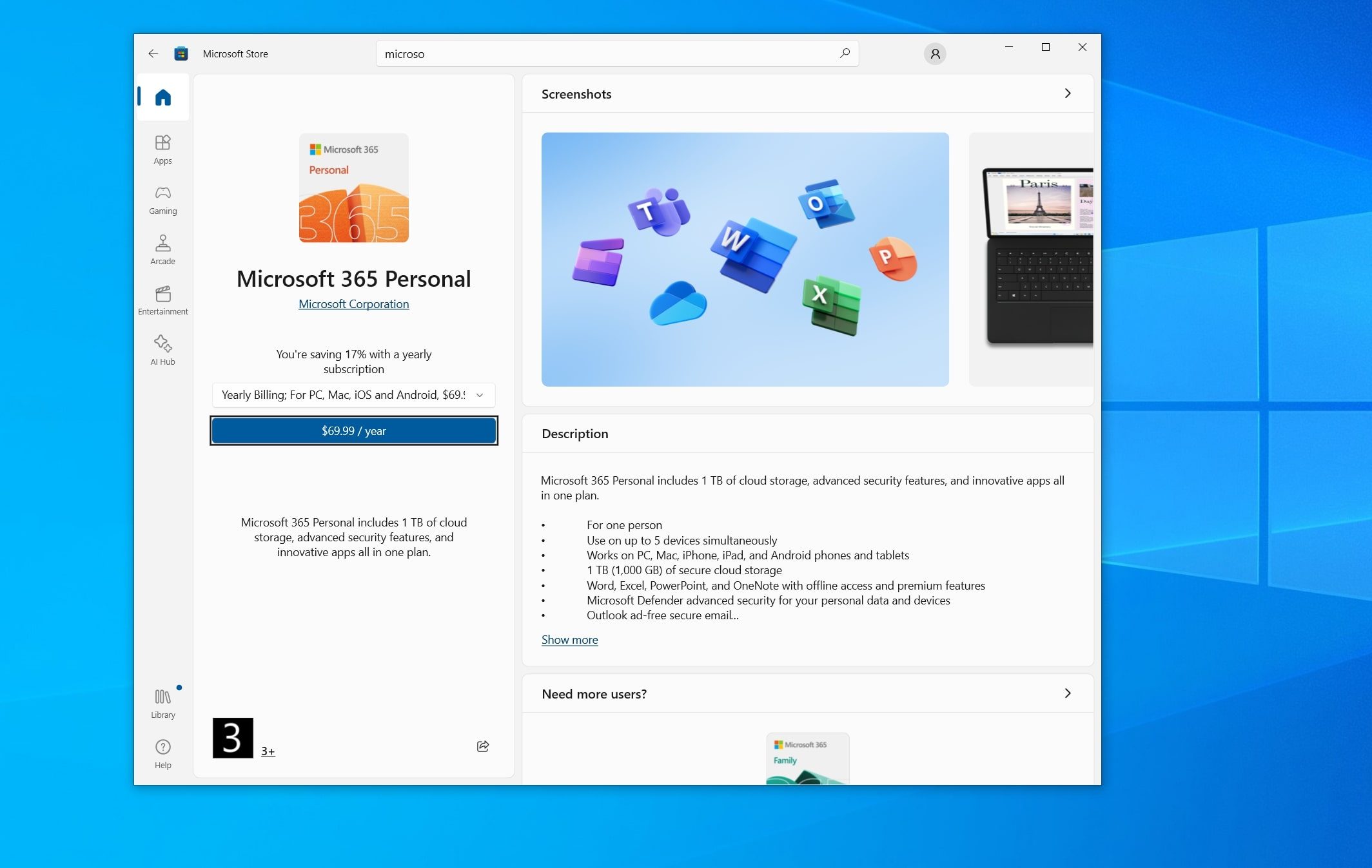
The bug is tied to how classic Outlook handles Microsoft 365 file links. That can make a document look corrupt in Outlook even when the same file still loads from SharePoint, OneDrive, or the web.
That distinction matters for everyday troubleshooting, as the repair warning can send users down the wrong path when the faster answer is to bypass Outlook.
Workarounds can keep files moving
Until the rollout finishes, the cleanest workaround is to access the file outside classic Outlook. Users can copy the link into a browser, open the document directly from SharePoint, or switch to Outlook on the web.
Right-clicking a shared link and choosing the browser option can also help when a document needs attention right away. The goal is to avoid treating a working file like a damaged one.

Microsoft also has a registry-based workaround for IT admins and experienced users. Most people should avoid that route unless it’s handled in a managed environment.
What to watch next
The update is already moving through Microsoft 365, but timing will vary by affected setup. If Office files still load blank from Outlook, restart classic Outlook once, then use a browser-based workaround if the issue continues.
IT teams should watch for repeat reports tied to OneDrive and SharePoint links in classic Outlook. The clearest sign the update has arrived will be simple, Word, Excel, and PowerPoint files should load from Outlook without the false alarm.

Paulo Vargas is an English major turned reporter turned technical writer, with a career that has always circled back to…
The Barnes & Noble CEO thinks AI books are fine. He’s wrong.
Letting AI books into our bookstores, even with a label, is a door we will regret opening.

Barnes & Noble CEO James Daunt recently sat down with NBC News, and he said something that has been percolating in my mind. When asked about AI-written books, Daunt said, “Yes, I have actually no problem selling any book, as long as it doesn’t masquerade or pretend to be something that it isn’t, and that it has an essential quality to it, and that the customer, the reader, wants it.”
On the surface, that sounds perfectly sensible. As long as readers can clearly see the label, they can make a choice. But if you take a moment to think about it, there are important questions that this approach leaves unanswered.
AMD is reportedly prepping Zen 7 processors on 14A node to match Intel at its game
Zen 7 could be a major chiplet and cache upgrade for AMD

Intel has been making a lot of noise about its upcoming 14A process, and for good reason. It is expected to be one of the biggest tests of whether the company can turn its future chip roadmap into the advantage it needs to regain momentum against AMD.
Now, new information from Commercial Times suggests AMD may already be preparing its answer. The company’s future Zen 7 processors are said to be planned around TSMC’s A14 node, which could let it meet Intel’s 14A push head-on.
Ever wonder what vintage computers were like? This virtual museum lets you try hundreds
The Virtual OS Museum is a real blast from the past

If you feel like every OS now feels too polished, flat, and boring, there’s a new museum that takes you down a rabbit hole of all the vintage computers. Virtual OS Museum, curated by Andrew Warkentin, is an interactive virtual museum of operating systems and standalone applications running under emulation.
This is not just a gallery that shares still snapshots of the retro software. The museum is built as a Linux VM for QEMU, VirtualBox, or UTM, with a custom launcher and preconfigured installations that are meant to boot without forcing users to manually wrangle ancient setup files and emulator settings.
Paulo Vargas
Read More