

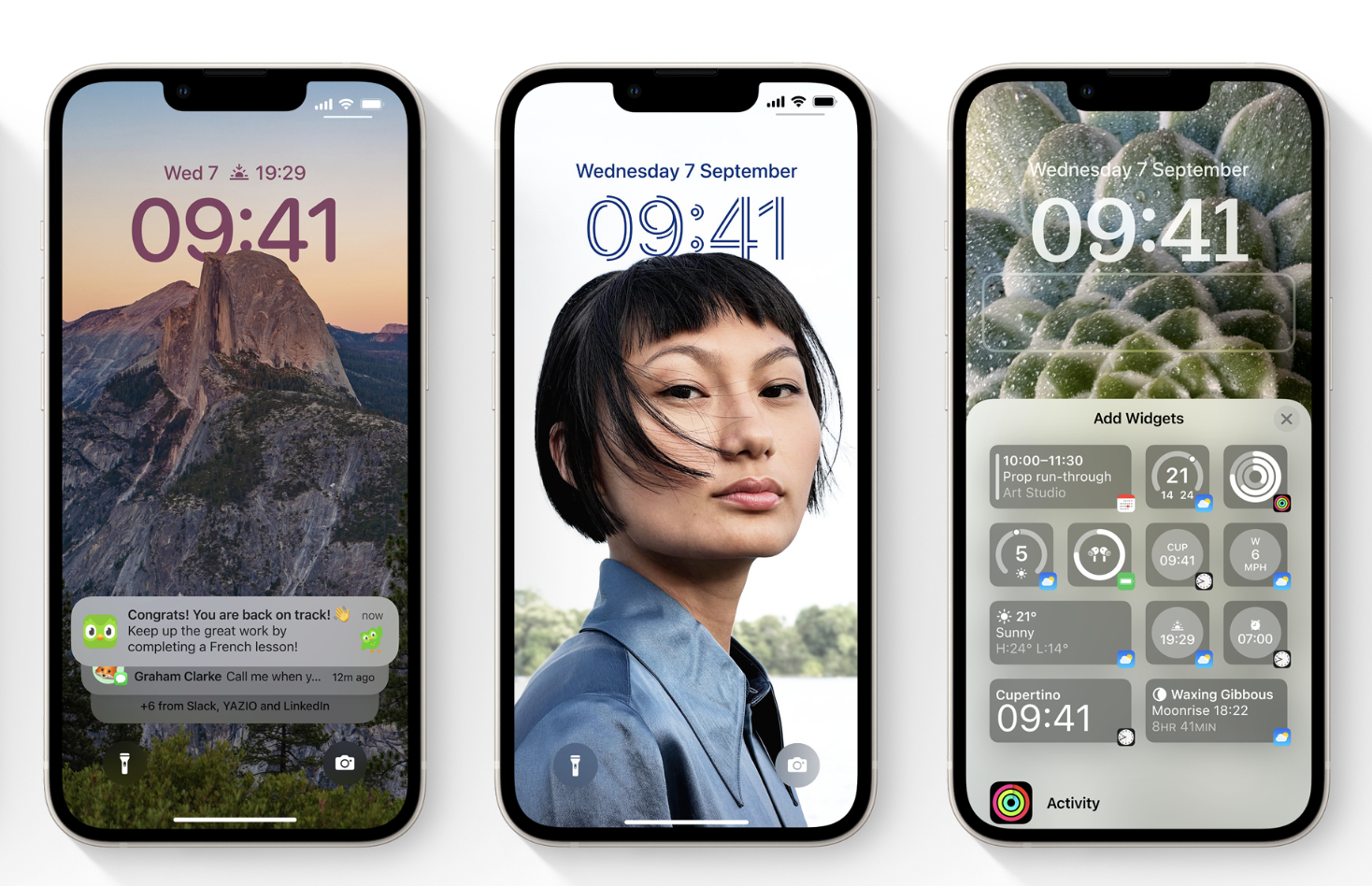
Apple has released new major updates for various iPhone, iPad, Mac and Watch Series devices. The new updates introduce several new features, as well as new wallpapers and watch faces, among other things. Apple is distributing iOS 16.3, iPadOS 16.3, macOS Ventura 13.2 and watchOS 9.3 now as OTA updates.
Apple has finalised new software updates for its entire product stack. Distributed as x.3 iterations apart from macOS Ventura 13.2, the updates bring a few new features to each product line, as the screenshots below show. Arguably, the ability to use hardware security keys is the biggest change within iOS 16.3 and iPadOS 16.3, although Apple has also added handoff functionality with the new second-generation HomePod. Additionally, Apple has pre-installed more wallpapers and has altered satellite emergency call functionality to minimise accidental emergency calls.
Moreover, watchOS 9.3 mainly adds a Unity Mosaic watch face for Black History Month in the US. Unfortunately, Apple does not describe the various bug fixes and miscellaneous improvements that make up most of the update’s 299 MB file size. Instead, the company points people to a webpage that outlines all the Common Vulnerabilities and Exposures (CVEs) that watchOS 9.3 addresses.
Meanwhile, macOS Ventura 13.2 enables Advanced Data Protection for iCloud and Security Keys for Apple ID, mirroring iOS 16.3 and iPadOS 16.3. For reference, this month’s update allows you to pair your Apple ID with physical security keys like YubiKey. Furthermore, the macOS Ventura 13.2 end-to-end encrypts 23 different data types, which should prevent backups, notes, photos and other files from being compromised even if someone gains access to Apple’s servers. All updates should be available to download as OTA files. If Apple has not notified you to update yet, you can manually trigger its download by heading to ‘Software Update’ within the main System Settings menu.
Related Articles

Alex Alderson – Senior Tech Writer – 7228 articles published on Notebookcheck since 2018
Prior to writing and translating for Notebookcheck, I worked for various companies including Apple and Neowin. I have a BA in International History and Politics from the University of Leeds, which I have since converted to a Law Degree. Happy to chat on Twitter or Notebookchat.
Alex Alderson, 2023-01-24 (Update: 2023-01-24)
Read More
Alex Alderson